The Help center is a public site where you publish guides and answers for your customers, like the one you are reading. Your articles also show inside your website widget, in the help tab, so a customer can find the answer before writing to you. It is managed from the book icon in the side rail.
Create the portal
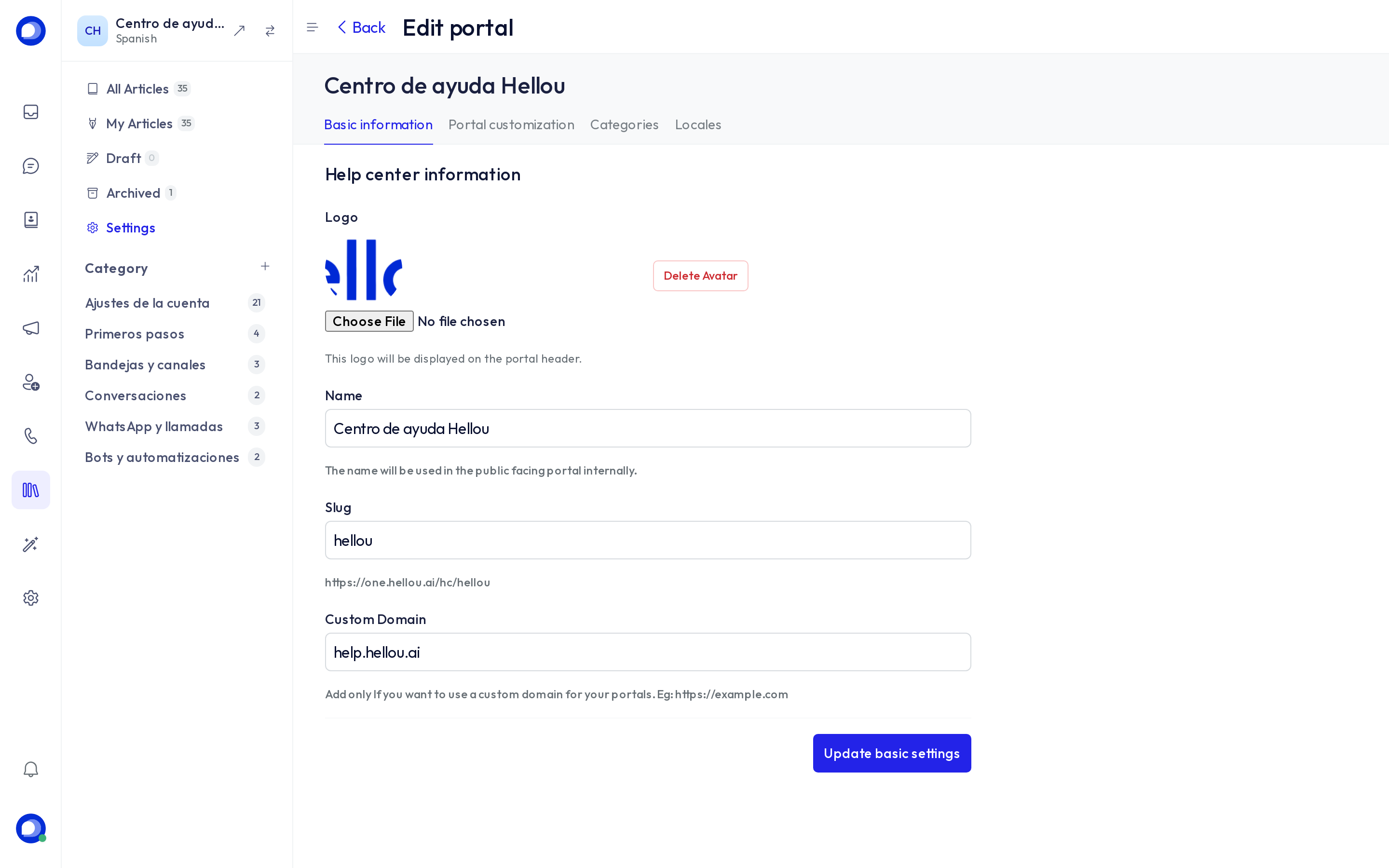
The first time, press New portal and fill in:
- Name and slug: the slug forms the public address,
https://one.hellou.ai/hc/<slug>. If you own a domain (for examplehelp.yourcompany.com), put it in Custom domain and write to us to activate it. - Logo, color and home link (where the logo points).
- Languages: the portal has a default language and you can add more. Each article belongs to one language.
Categories and articles
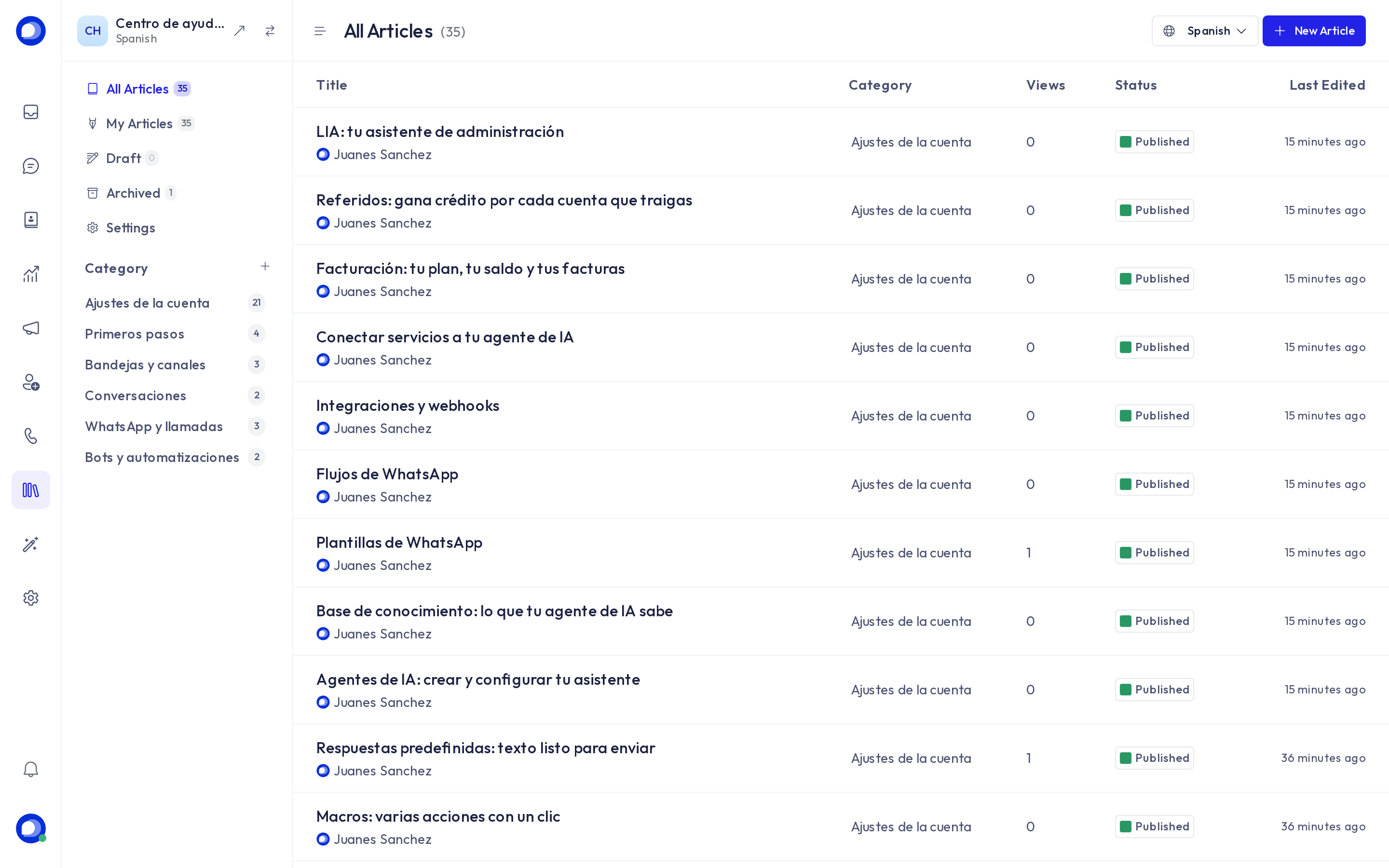
- Create the categories first (the
+next to Category), one per topic. Each category belongs to one language; create its equivalent in each portal language. - New article: title, category and content. The editor supports formatting, links and images (paste or drag them). An article starts as a Draft, invisible to the public, until you press Publish. Archive removes it without deleting it.
- The language selector at the top right switches which language you are editing.
- Every article has a fixed public address (
/hc/<slug>/articles/<article-slug>) and counts its views.
In the website widget
If your website inbox has the portal attached (the inbox's Configuration tab), the widget shows a help tab with the articles in the widget's language. If a customer sees fewer articles than you published, check that the article language matches its category's language and the widget's.
Tips
- Publish in your customers' languages: a Spanish article and its English version, each in the category of its language.
- Answers your team repeats as canned responses are good article candidates.
- Your AI agent does not read the help center: what you want it to know goes in the knowledge base. You can upload the same guide to both.