A canned response is a saved text any agent inserts in seconds by typing / and a short code in the reply box. Use them for greetings, opening hours, policies, links and frequent answers.
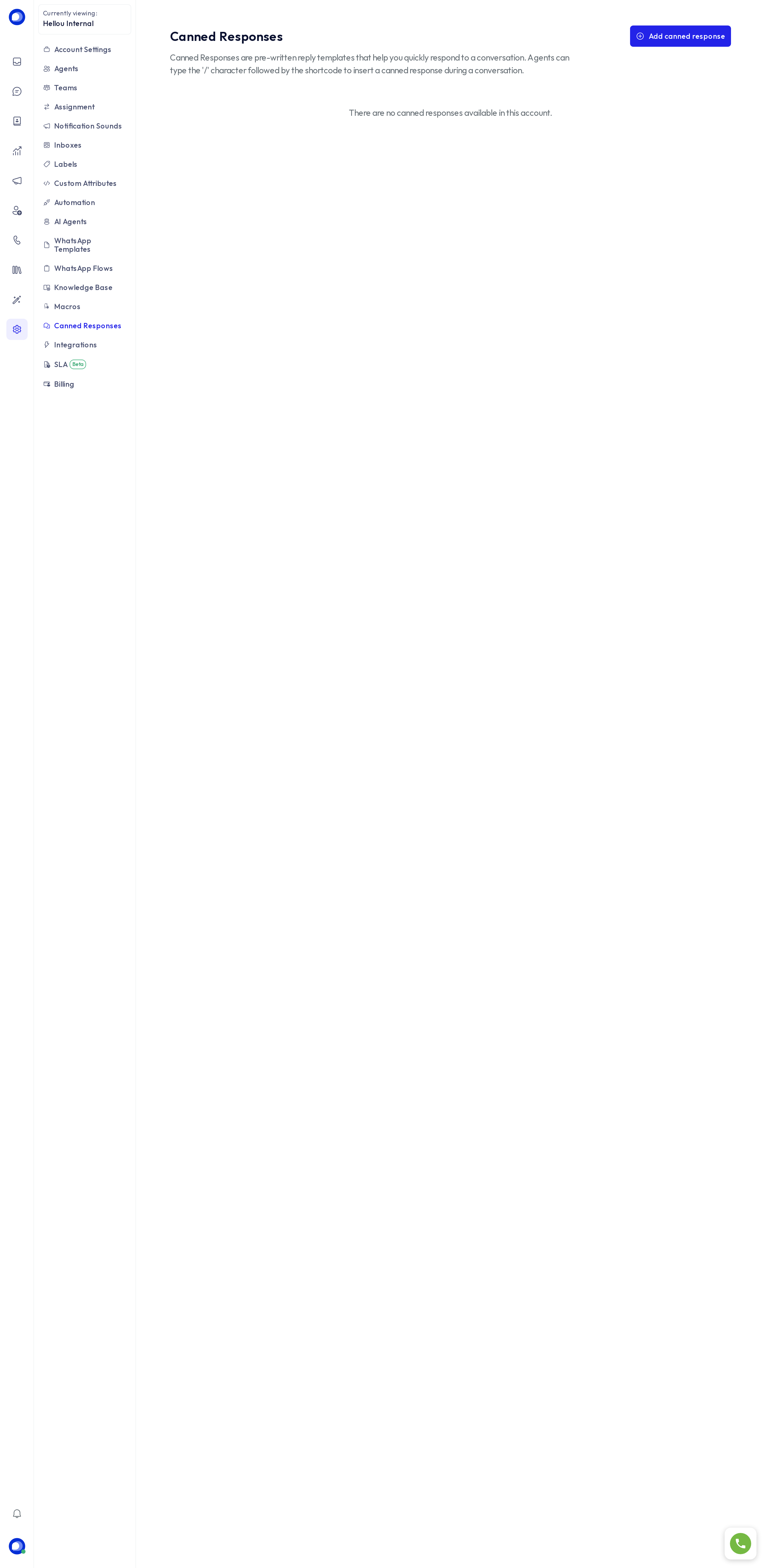
Create a response
Under Settings → Canned responses, press Add canned response.
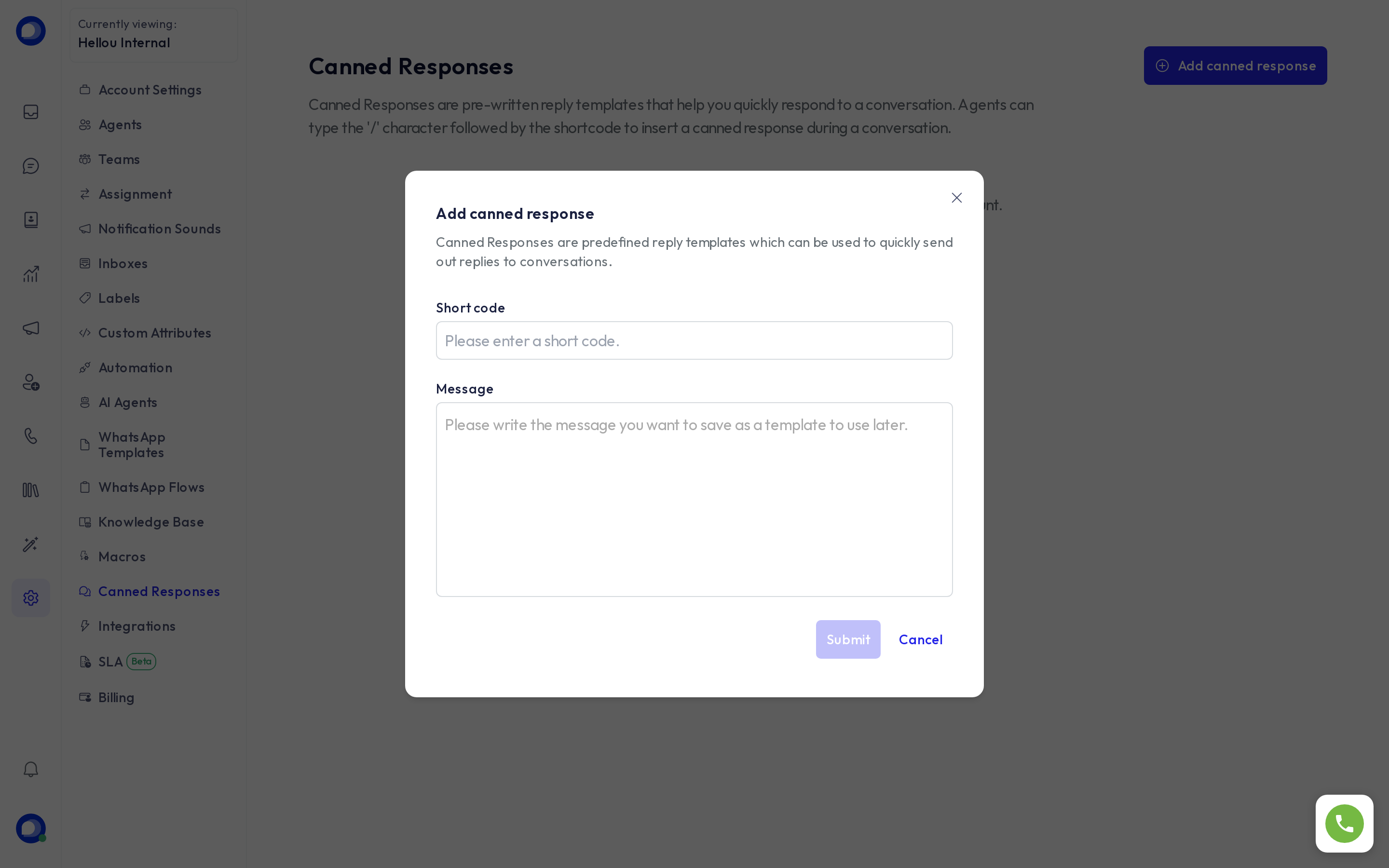
- Short code: the word you will type after
/, for examplehours. No spaces. - Content: the text. You can use variables that fill themselves in on send:
{{contact.name}},{{contact.first_name}},{{contact.email}},{{agent.name}},{{conversation.id}}, among others.
Use a response
In any conversation, type / in the reply box and start typing the code; pick the response from the list and edit it if needed before sending. It also works in private notes.
Tips
- Keep short codes memorable and consistent:
hello,hours,payment,thanks. - If a response includes a link or a price, review it when those change; canned responses are shared by the whole account.
- To send a text and also label or assign, use a macro.
- Canned responses are for people only; an AI agent answers from its own knowledge base.