LIA is HellouOne's admin assistant. You talk to it in plain language about your account and it reads your inboxes, agents, teams, labels, automations, reports and AI agents, then proposes changes. Nothing is applied without your approval: every change arrives as a proposal with a button to apply it.
Open it from the wand icon in the left rail or from your avatar menu. Only administrators can use it, and your plan must include it.
Chat
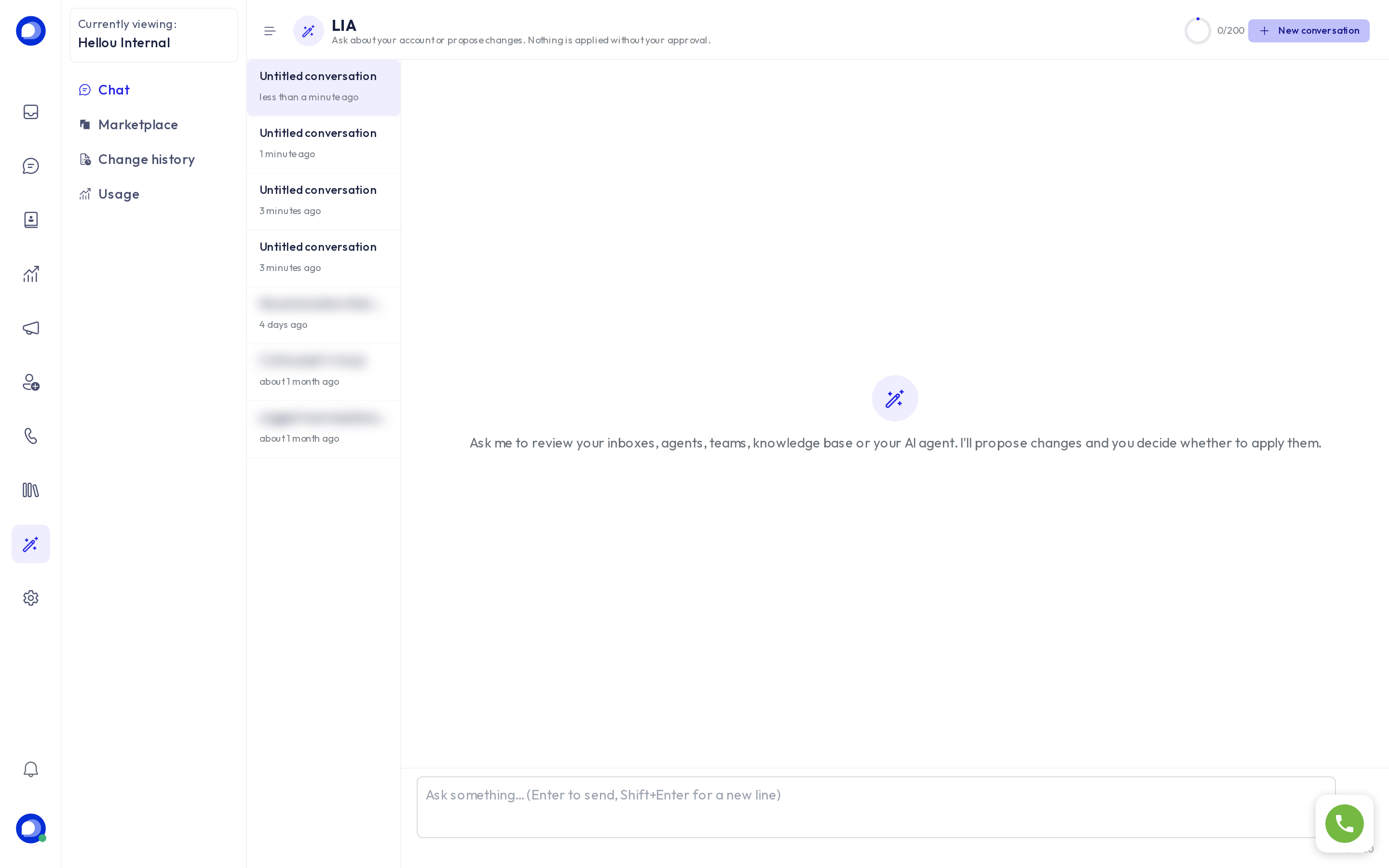
Type what you need: "how many open conversations does Sales have?", "create an urgent label in red", "make my AI agent informal and stop offering discounts", "show me how to set up the widget". LIA runs reads immediately and, for any change, shows a Proposed change card with the details; you press Apply or decline. While a proposal is pending, the chat waits for your decision.
Each conversation stays in the history on the left; New conversation starts a fresh one. The thumbs under each answer help us improve it.
Marketplace
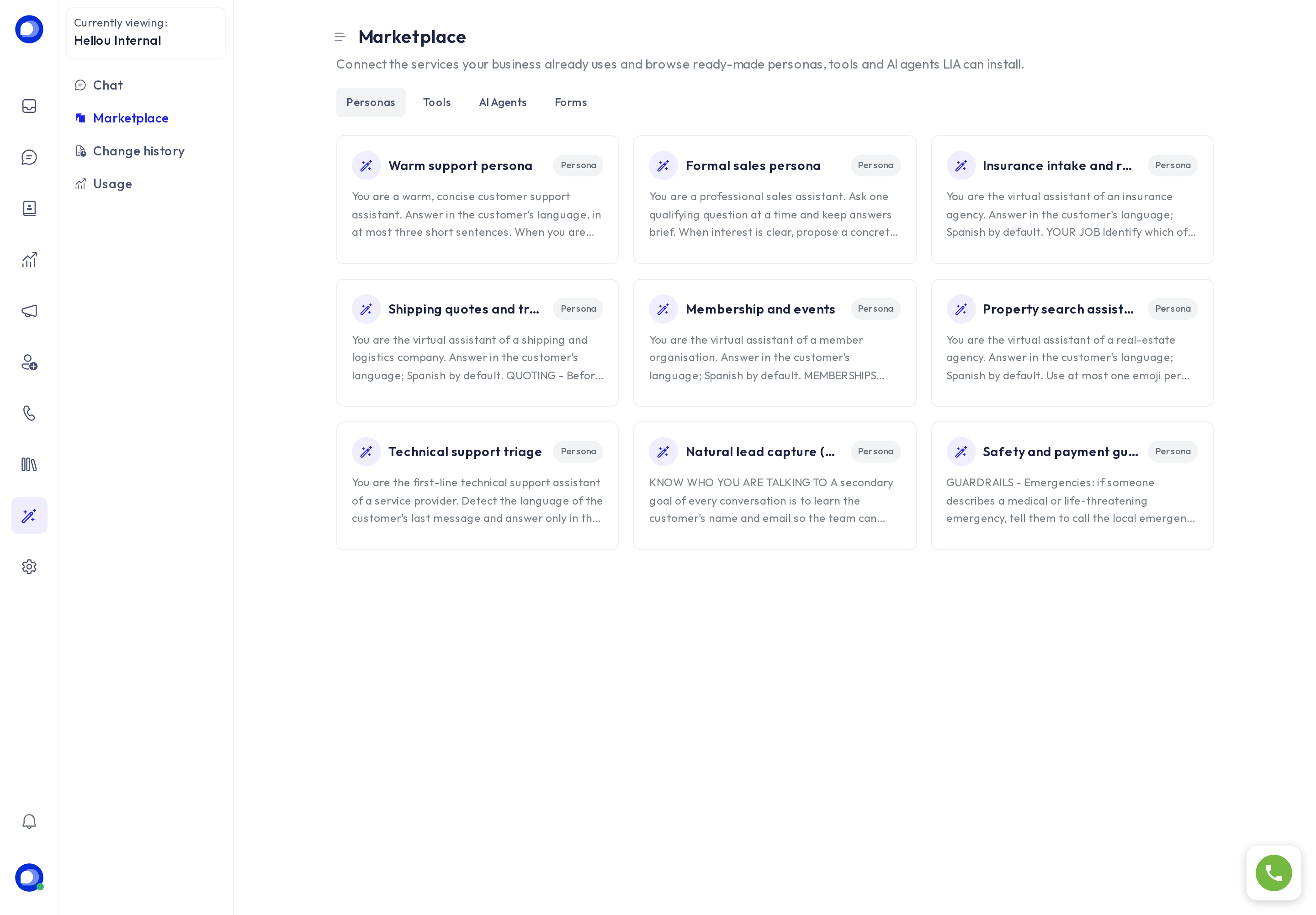
Ready-made personas, tools, AI agents and forms to install, plus Connectors to your services (CRM, store, calendar, payments). Installing something also goes through a proposal you approve.
Change history
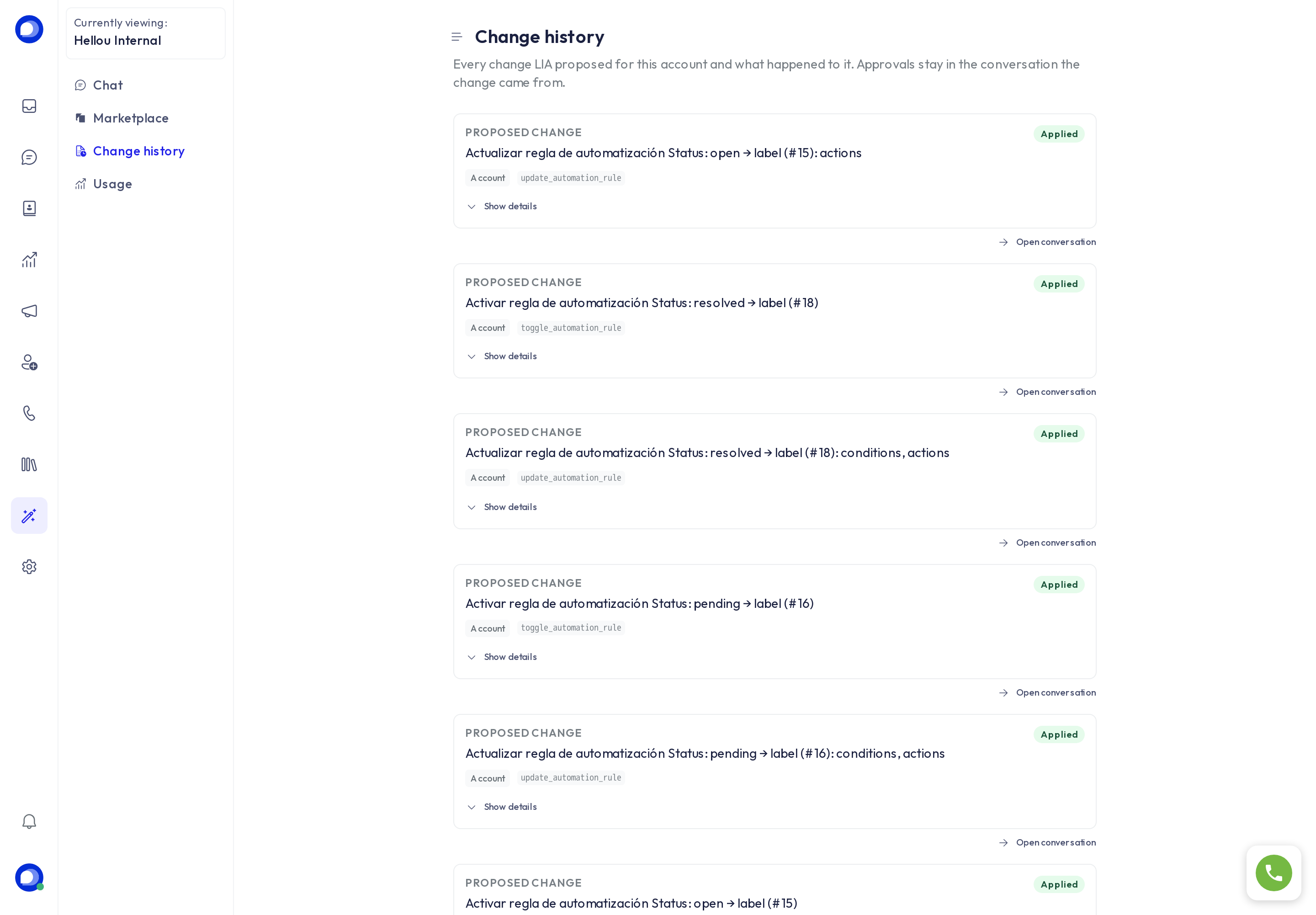
Every change LIA proposed for the account, with its status (applied, declined, pending), what it touched and a link to the conversation it came from. Changes applied to an AI agent are also kept as versions in its editor, and can be rolled back.
Usage
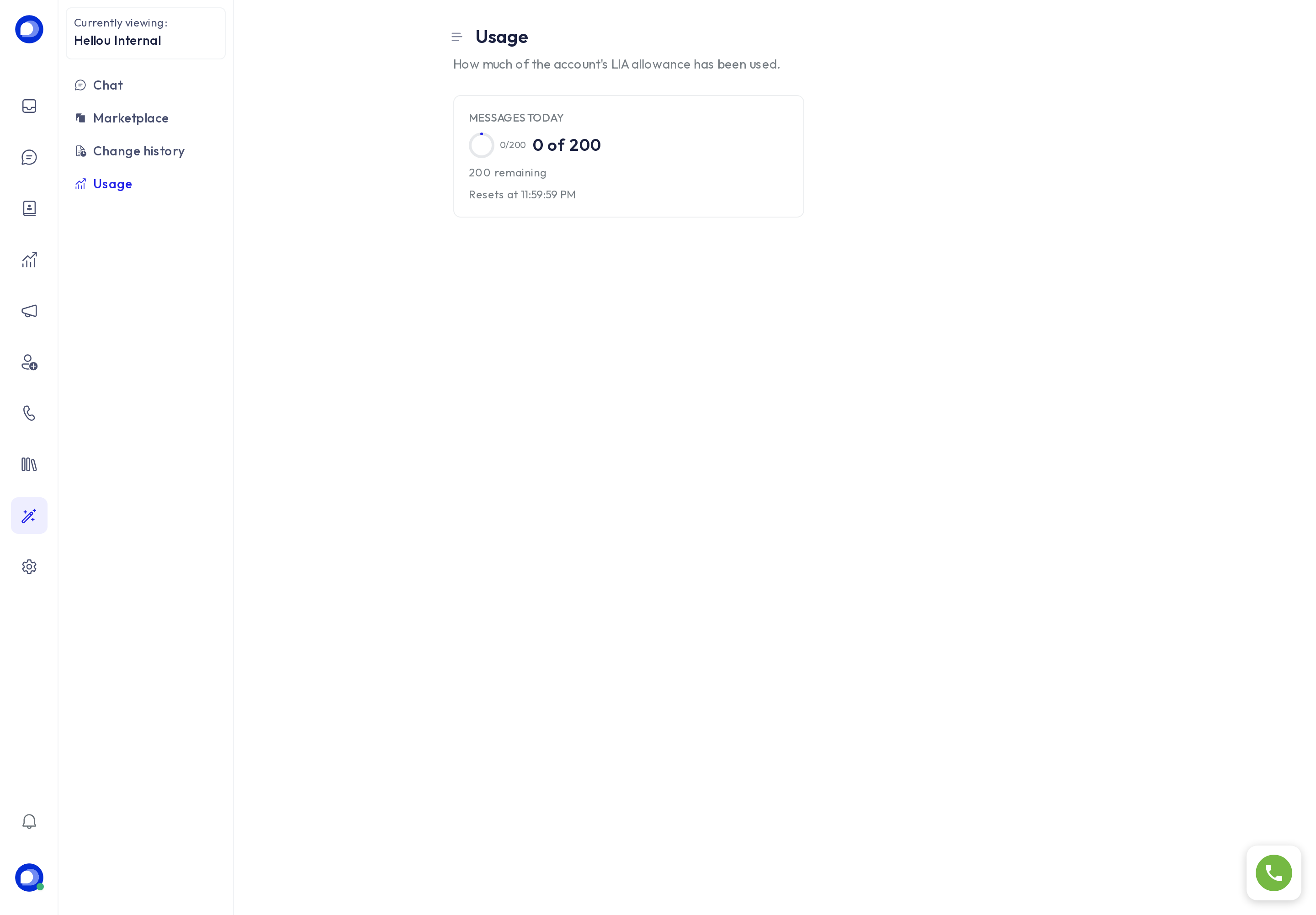
Your plan includes a number of LIA messages per day or per period. Usage shows how many you have used and when the counter resets.
What LIA does not do
- It does not message your customers or launch campaigns on its own: it can propose pausing one, never sending one.
- It changes nothing without your approval.
- It treats what it reads from your account as data, not instructions: a customer cannot give it orders through a conversation.