Settings → Billing shows your account's plan and, if you have telephony services or a paid plan, your balance, invoices and payments. Only administrators see it.
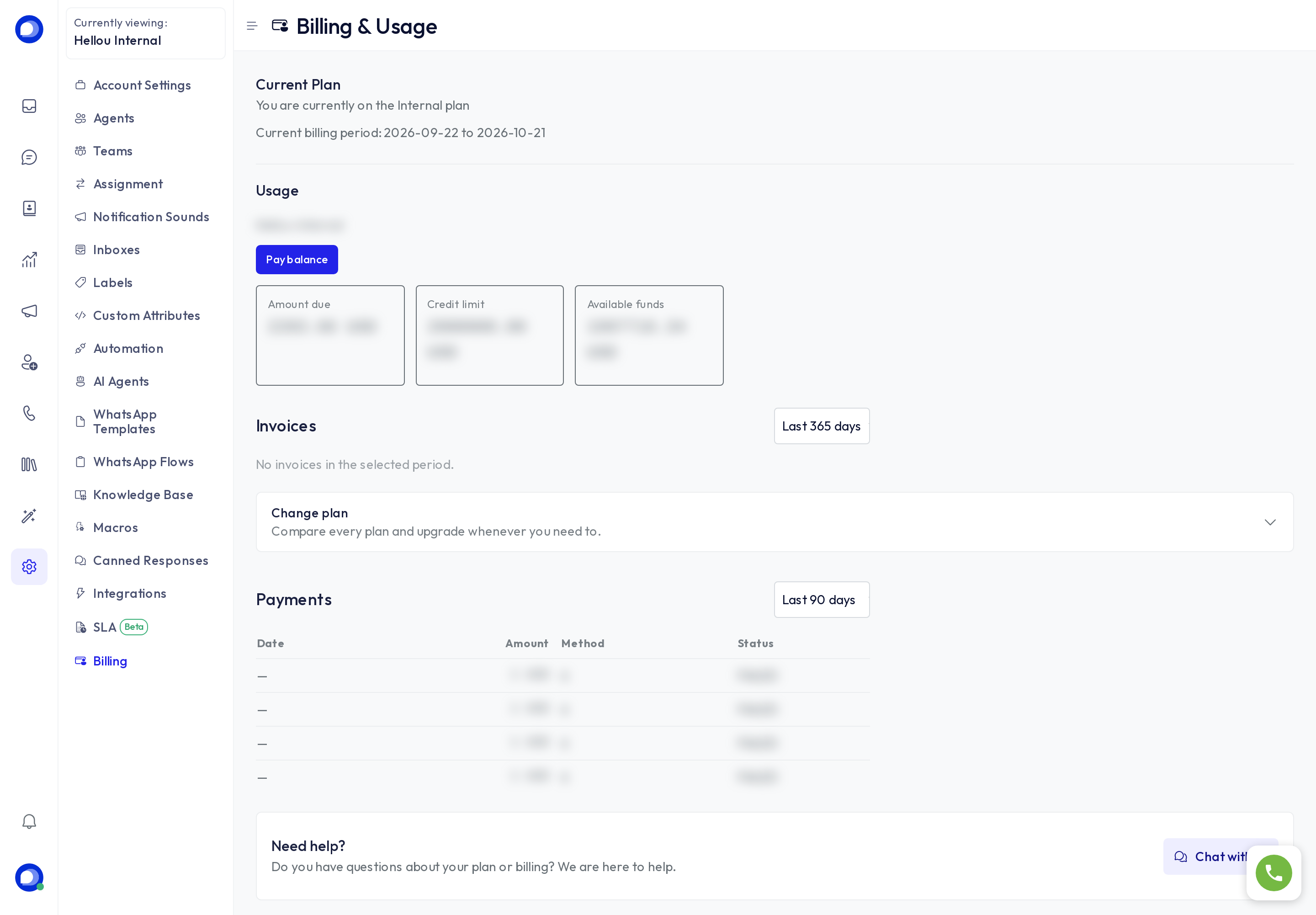
Current plan
Your plan's name and the current billing period. During the free trial this is where you see how many days are left; when it ends, the account goes read-only until you pick a plan.
Usage
For accounts with an active billing customer:
- Outstanding balance: what you owe at the close of the period.
- Credit limit and available funds: how much you can consume before a payment.
- Pay balance: opens the payment with the stored card.
Each panel appears only when it applies to your account; a chat account without telephony has no call balance.
Invoices and payments
Invoices for the chosen period and recent payments, with amount, method and status. A failed payment was not charged: check the card under Payment method and try again with Pay balance.
Change plan
Expand Change plan to see the catalogue: included agents, AI messages, channels and price. When you pick one, HellouOne charges the stored card, activates the plan and shows you the change's progress; you can keep using the account meanwhile. No-AI and no-voice plans cost less and switch those features off; Enterprise is arranged with our team.
If a purchase stalls (a charge that never confirmed), the page says so and our team resolves it; you are never charged twice.
Need help?
Chat with us opens Hellou's support chat inside the dashboard, identified with your account.