A WhatsApp template is a Meta-approved message you can send to a customer even when more than 24 hours have passed since their last message, and the only kind of message a campaign can send. HellouOne does not create templates: it reads them from your WhatsApp Cloud inboxes and shows them ready to use.
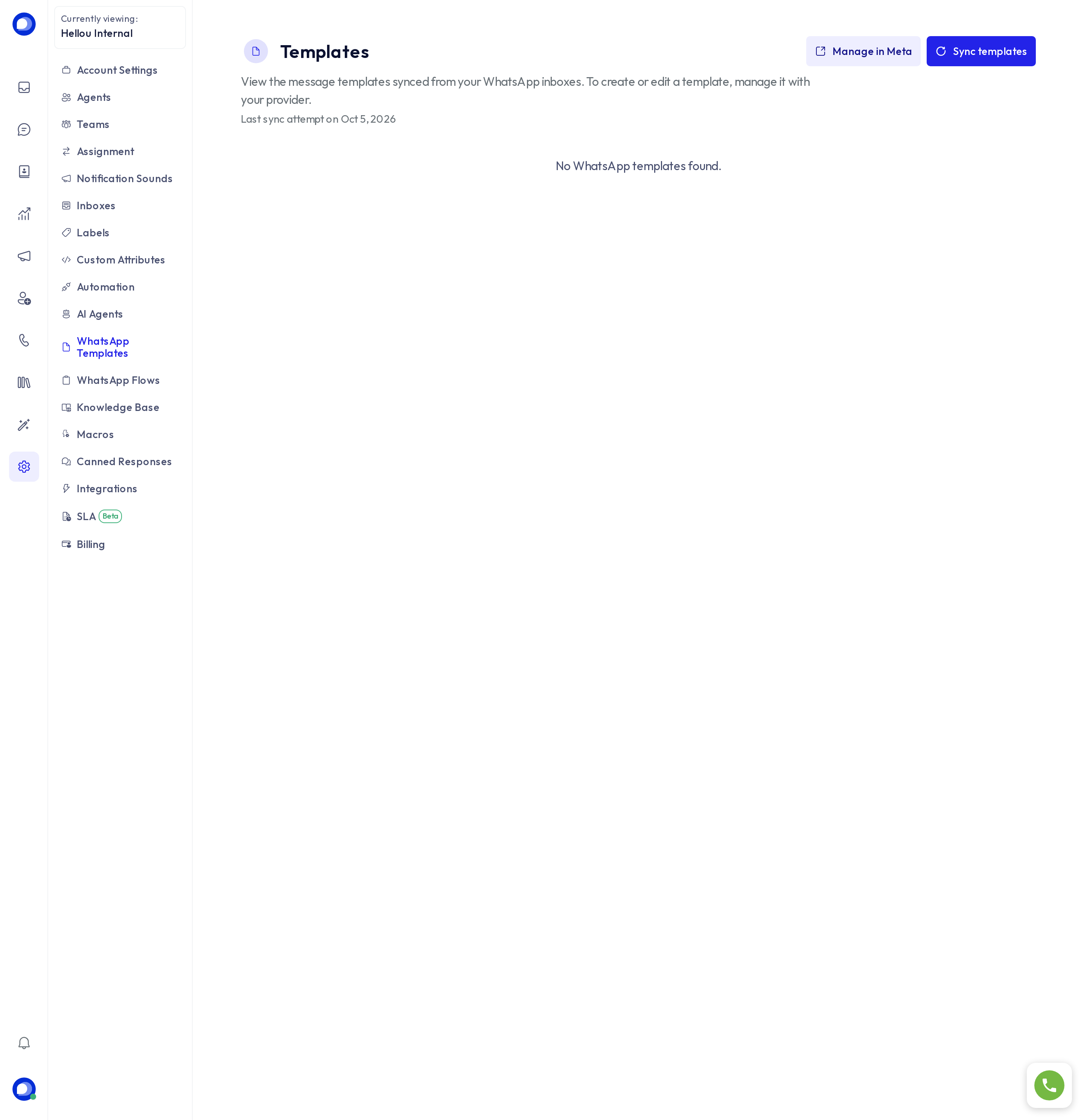
Where they are created
In Meta's WhatsApp Manager, via Manage in Meta. There you define the text, variables, buttons and language, and Meta approves or rejects it. Categories are marketing, utility and authentication; the category sets the cost and, in campaigns, the consent rules.
Bring them into HellouOne
Press Sync templates. HellouOne asks Meta for each WhatsApp Cloud inbox and lists every template with its status (approved, pending, rejected), language and category. The sync also runs on its own periodically; the last attempt's date shows under the title.
Where they are used
- In a conversation: once the 24-hour window has closed, the reply box offers to pick an approved template and fill its variables.
- In WhatsApp campaigns: a campaign sends one template to an audience; only approved templates can be chosen, and a marketing one requires the contact's consent.
- Facebook Marketing: the first touch to a Lead Ads lead is a template.
If a template you see in Meta is missing, sync again and check that the inbox for that number is connected in HellouOne.