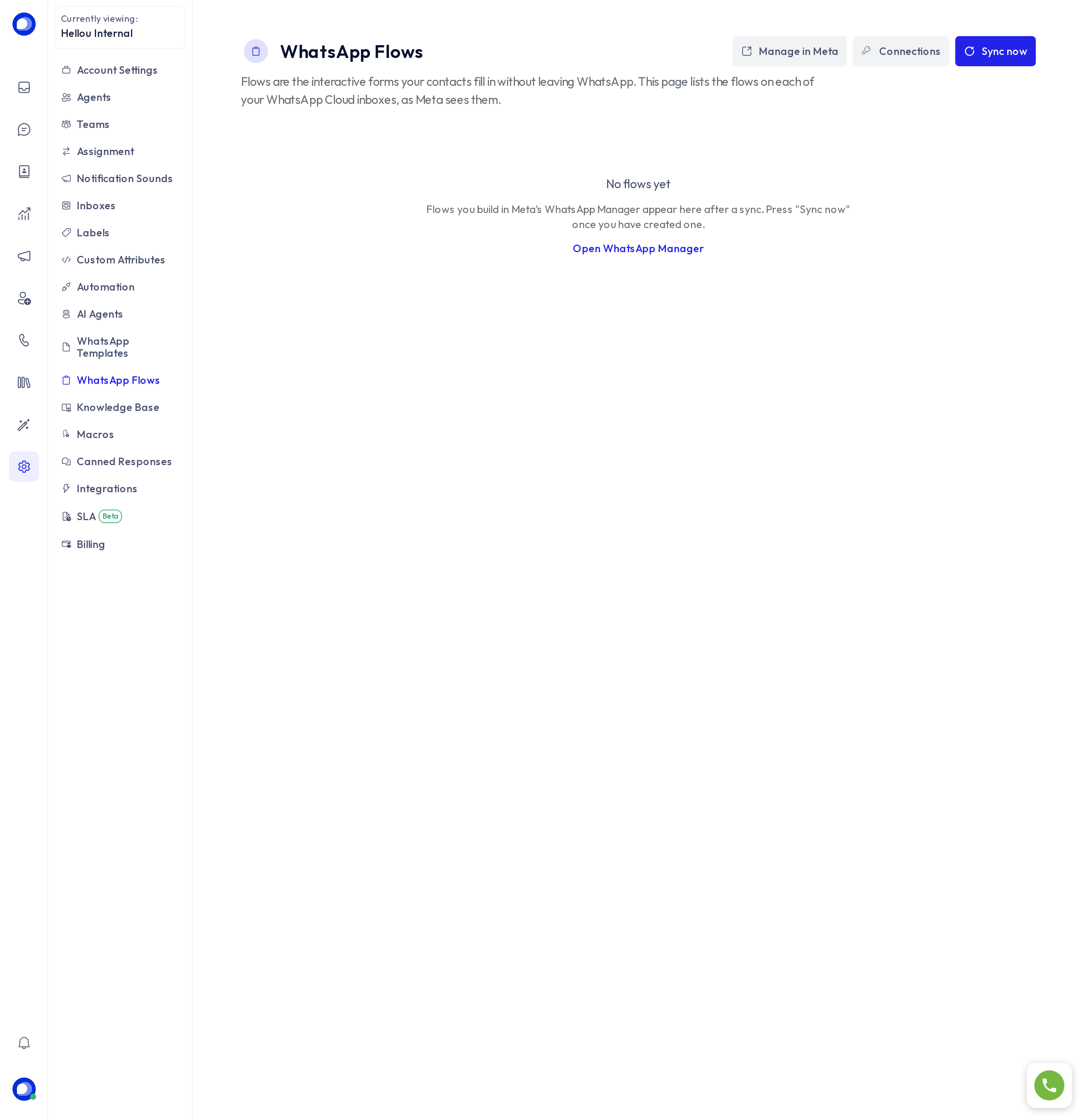
A WhatsApp flow is an interactive form the customer completes without leaving WhatsApp: a booking, a request, a survey, a sign-up. Settings → WhatsApp flows shows the flows of each of your WhatsApp Cloud inboxes as Meta sees them.
Create and bring in a flow
- Build the flow in Meta's WhatsApp Manager (Manage in Meta or Open WhatsApp Manager): screens, fields and the final button.
- Publish it in Meta.
- In HellouOne press Sync now. The flow appears in the list with its status.
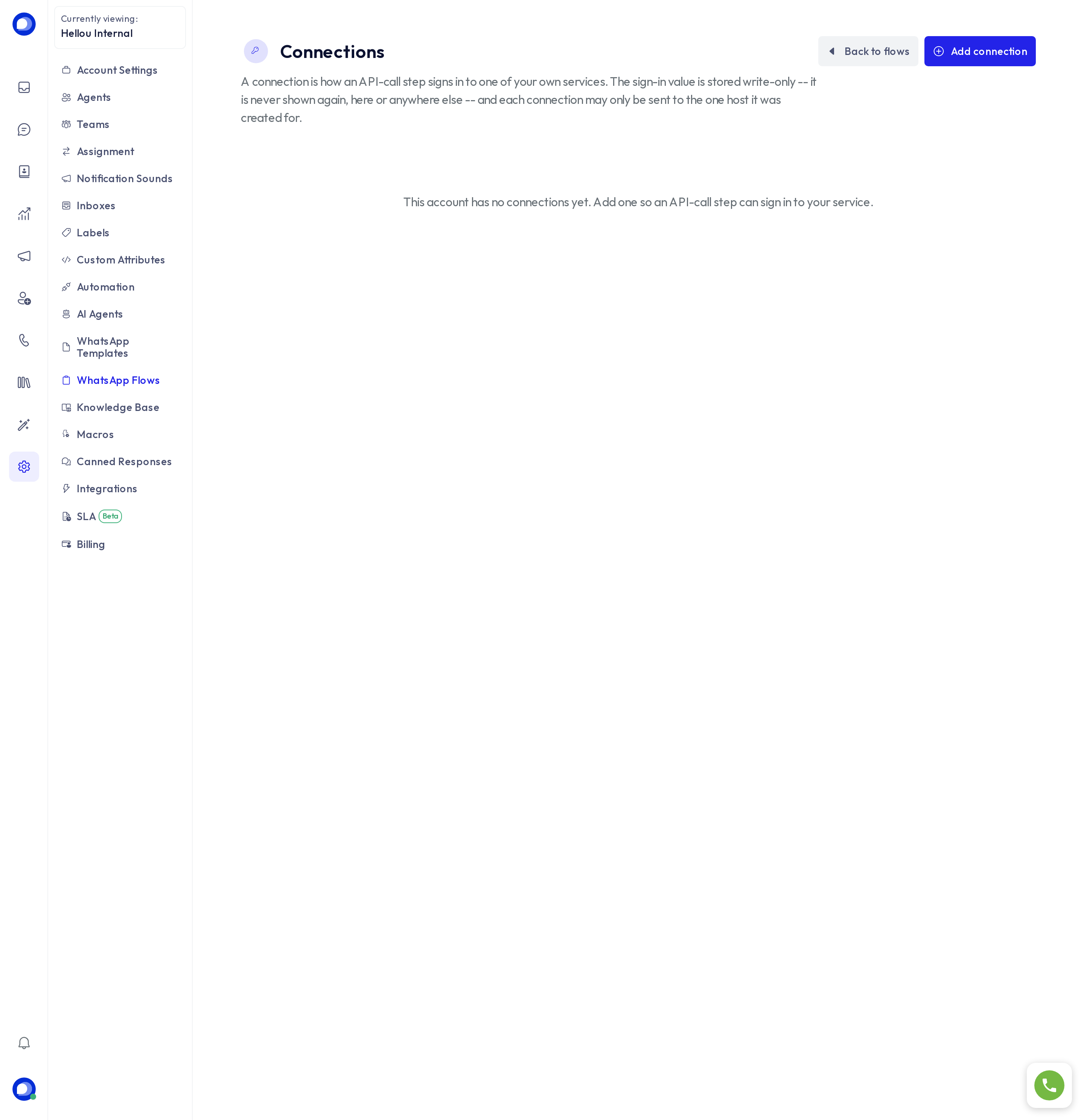
Connections
If the flow needs to read or save data in a system of yours while the customer fills it in (available slots, say), that system is registered under Connections: the address and key are stored encrypted and used only by flows and by your AI agents' tools.
Use a flow
- From a WhatsApp conversation, an agent can send a published flow for the customer to complete.
- An AI agent can send it as part of a custom tool.
- Answers land in the conversation and, when the flow defines it, in the contact's attributes.
Flows depend on your plan. If you do not see the page, check Billing.