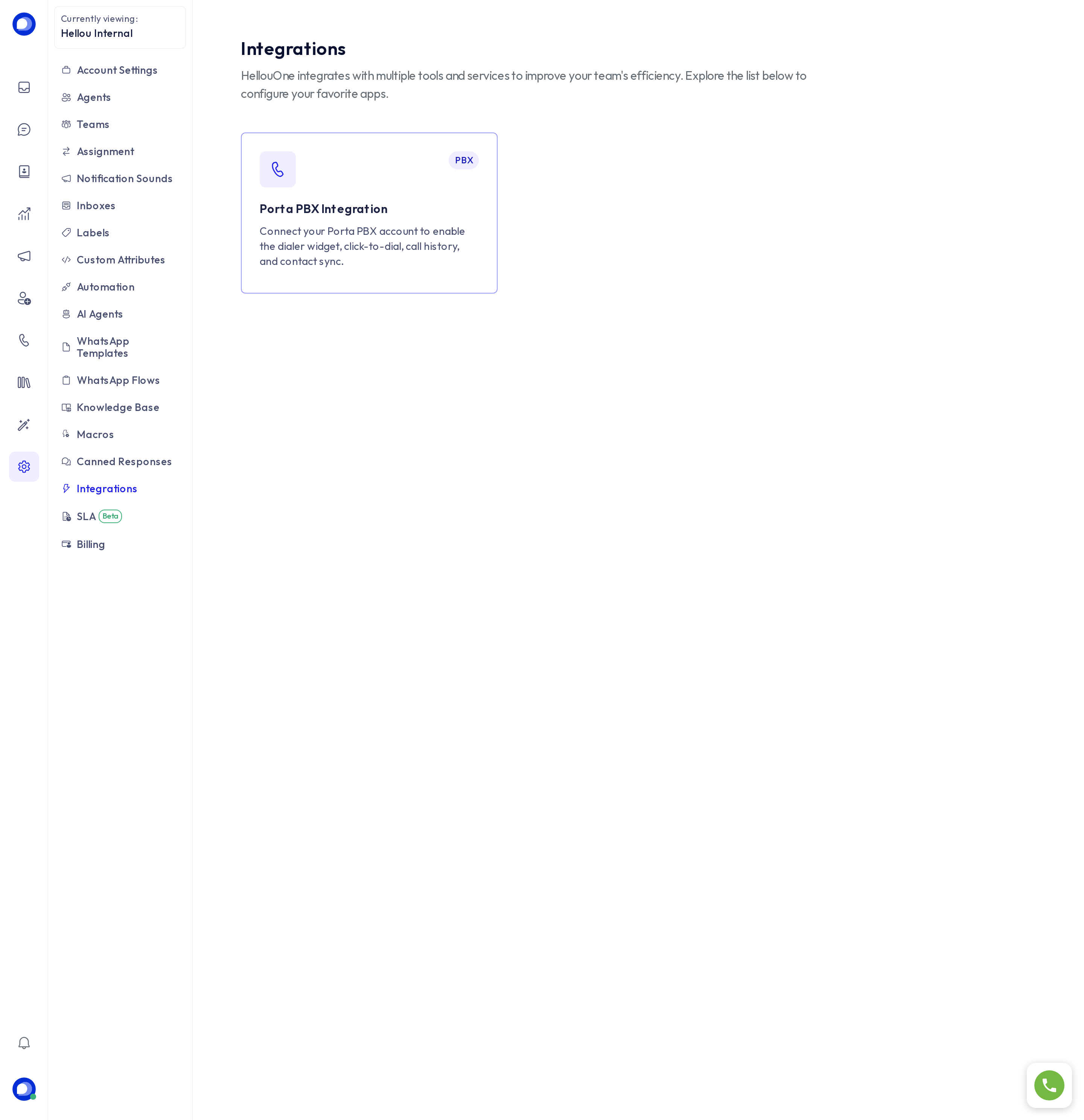
Settings → Integrations gathers the services HellouOne can connect to your account. Which cards you see depends on your plan and on what the Hellou team enabled for you; an account with telephony, for instance, sees the Porta PBX integration, which turns on the dialer, click-to-call, call history and contact sync.
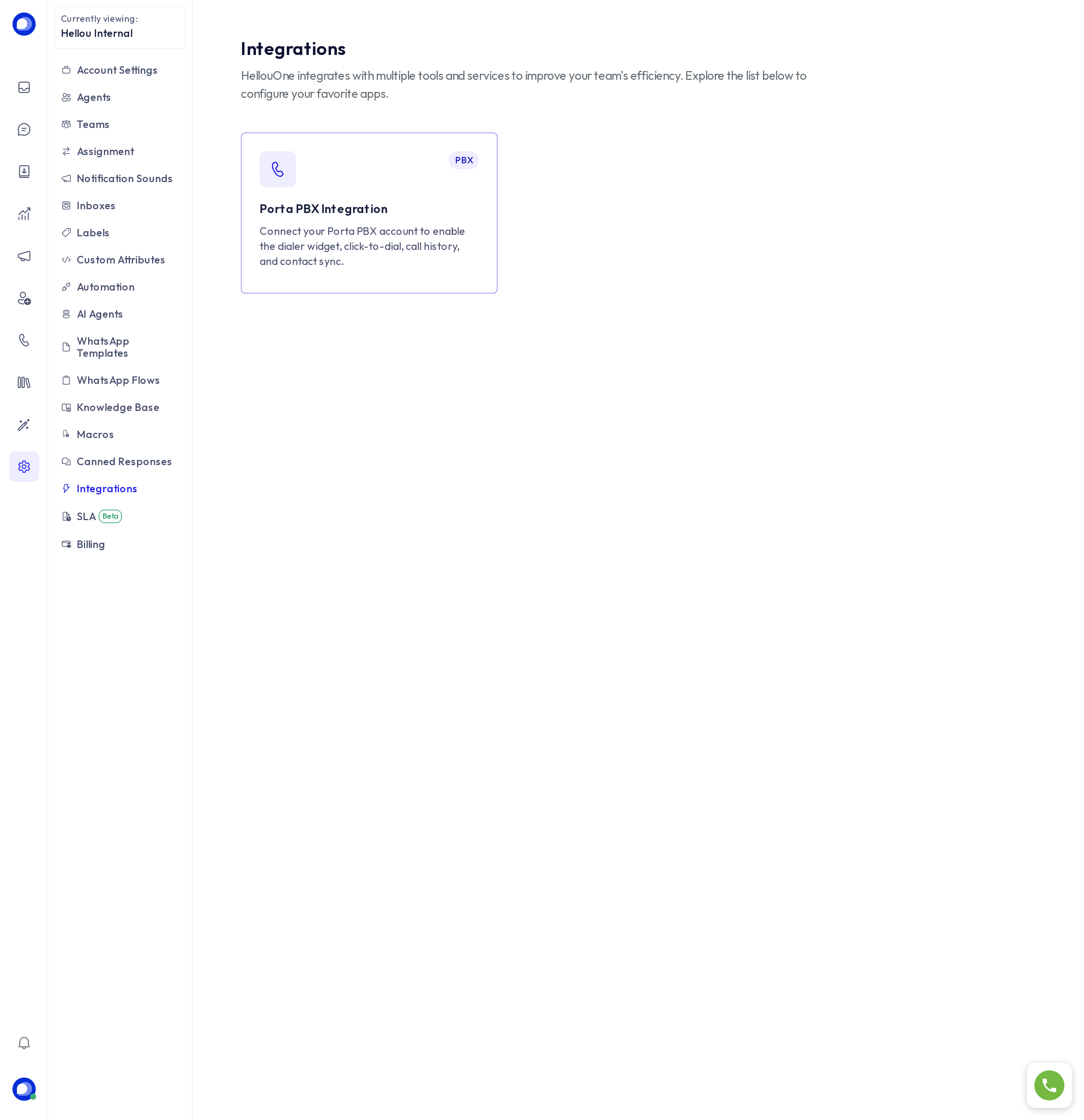
Your AI agent's connections to your CRM, store or calendar are not here but under LIA → Marketplace → Connectors (see Connect a service to your AI agent).
Webhooks: send events to another system
A webhook sends every event in your account to another system (your CRM, an automation flow, a data warehouse) as soon as it happens: a new conversation, a message, an updated contact. HellouOne makes a POST with the event as JSON to the address you give.
Create one
- Open Settings → Integrations → Webhooks.
- Press Add new webhook.
- Paste the address that will receive the events. It must be
httpsand reachable from the internet. - Tick the events you need. Only those included in your plan are listed.
- Save.
Check the delivery is ours
Every webhook has a signing secret. You see it when editing the webhook, with a copy button.
Each delivery carries the header X-HellouOne-Signature: sha256=<signature>, where the signature is the HMAC-SHA256 of the request body with that secret. Your system recomputes it over the body exactly as received (without re-serialising it to JSON) and discards anything that does not match. The header name is kept for compatibility with existing integrations.
Rotate the secret
If the secret leaks, edit the webhook and press Rotate secret, then Rotate. The old secret stops working at once, also for deliveries already queued, so update your system right away.
Reference
The full list of events, each one's format and the API for managing webhooks are in the API reference: /docs/api, section Webhook events.