An inbox is a channel customers write to you through: a chat widget on your website, a WhatsApp number, a Facebook page, an Instagram account, a Telegram bot, an email address, an SMS number or the API for integrations of your own. Each inbox has its own collaborators, business hours and AI agent.
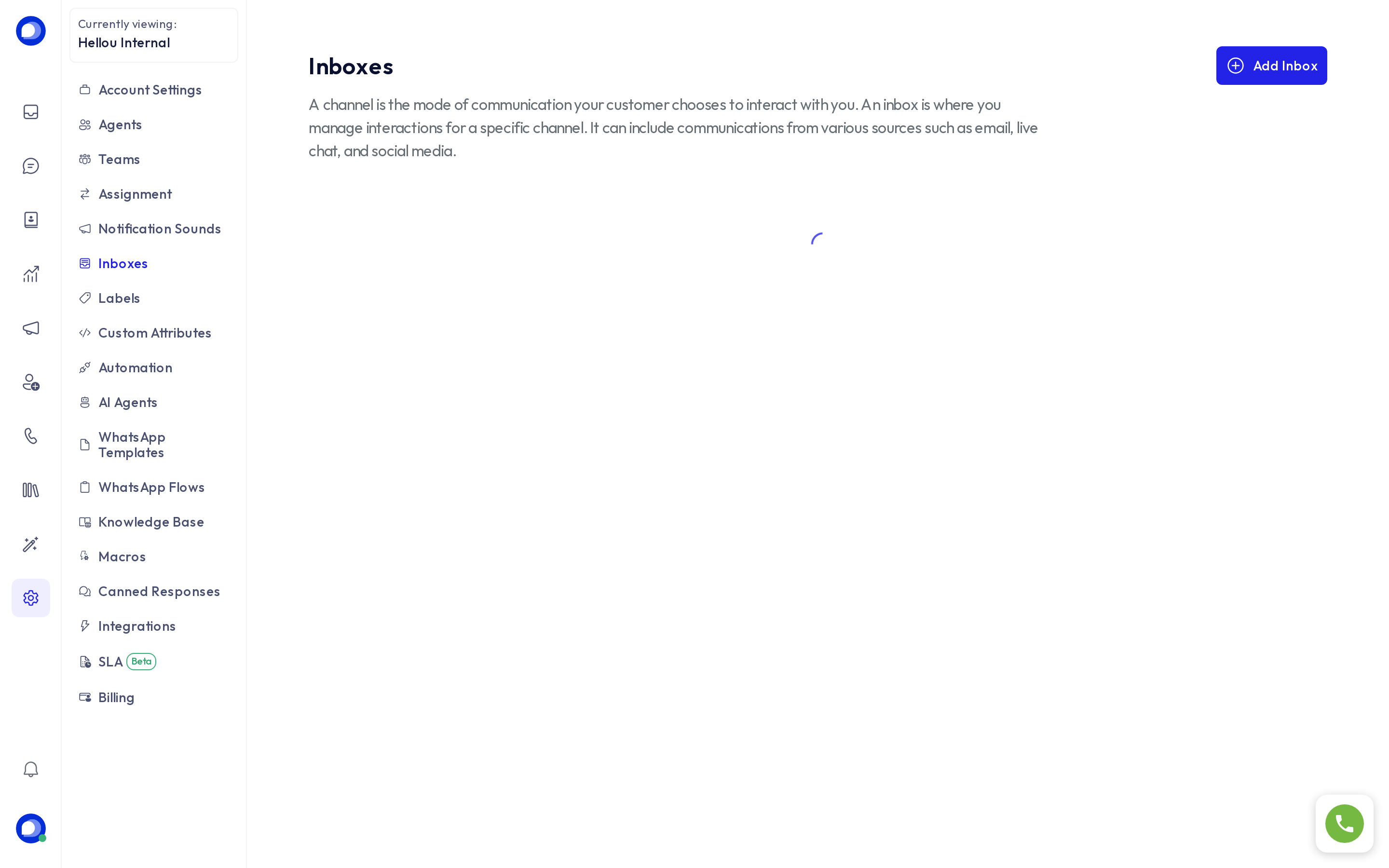
Where they are managed
Settings → Inboxes lists every inbox in the account. From each one you can open its settings (the cog) or delete it. Only administrators can create, change or delete inboxes.
Create an inbox
Press Add inbox and follow the five-step wizard:
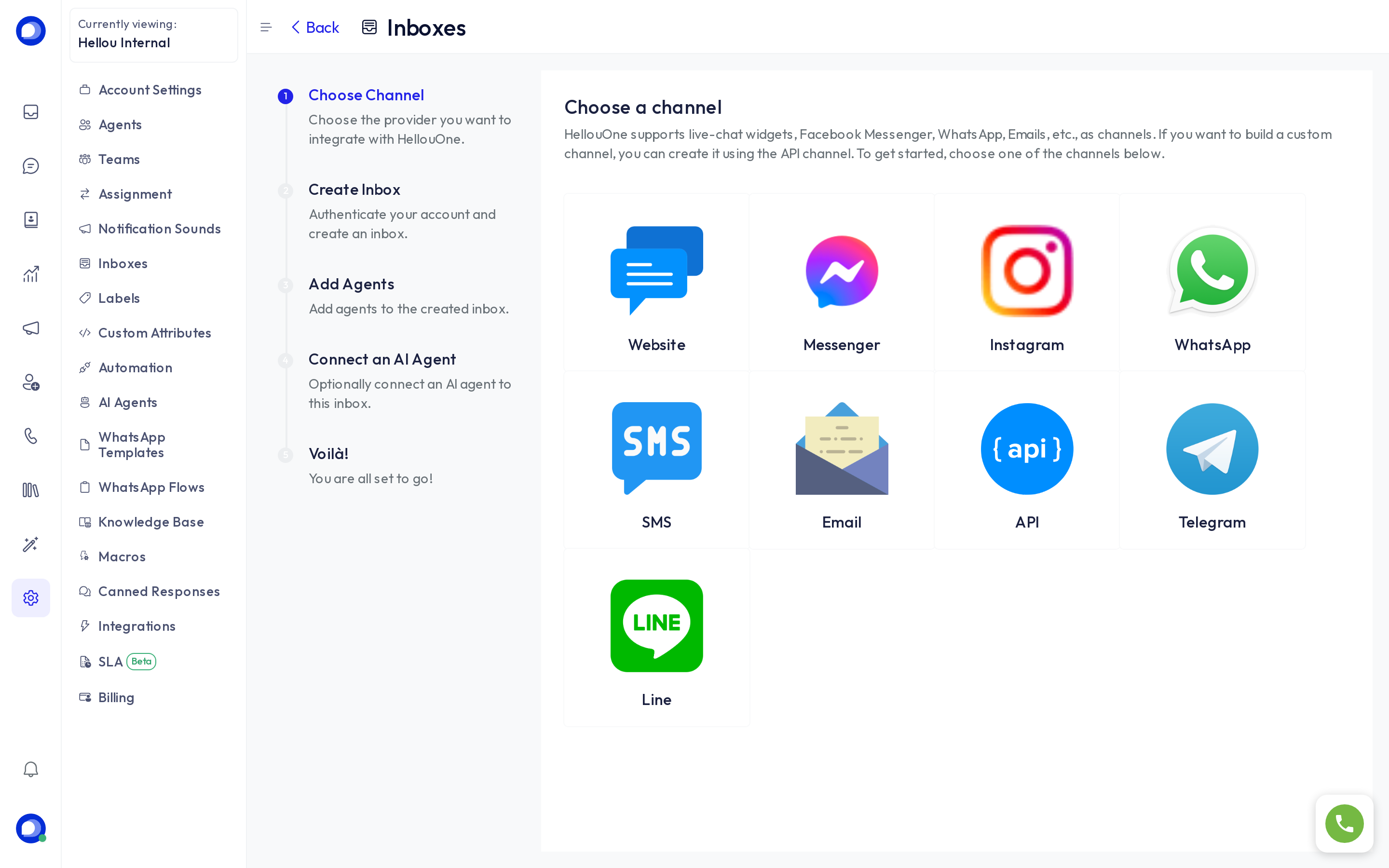
- Choose channel: Website, Messenger, Instagram, WhatsApp, SMS, Email, API, Telegram or Line.
- Create inbox: the channel's details. WhatsApp, Messenger and Instagram open the connection with Meta; a website only asks for a name and the domain.
- Add agents: who receives this inbox's conversations. You can change it later on the Collaborators tab.
- Connect an AI agent: optional, pick which of your AI agents answers first in this inbox.
- Voilà: for a website, this is where you get the code to paste into your page.
Each channel has its own guide in this help center: WhatsApp Cloud, Facebook and Instagram, and the website widget.
What the inbox decides and what it doesn't
- Who answers: the inbox collaborators. Someone who is not a collaborator receives no conversations from that channel.
- When: the inbox's business hours and its out-of-office message.
- Who answers first: the AI agent connected to the inbox, if any.
- How conversations are shared among collaborators is decided by Settings → Assignment, for the whole account.
Delete an inbox
Deleting removes its conversations and disconnects the channel. A WhatsApp number or Meta page can be connected again in a new inbox, but the history does not come back. Export what you need from Reports first.