A team groups agents by what they handle: sales, support, billing, a branch. One person can belong to several teams. Settings → Teams is where you create them and manage members.
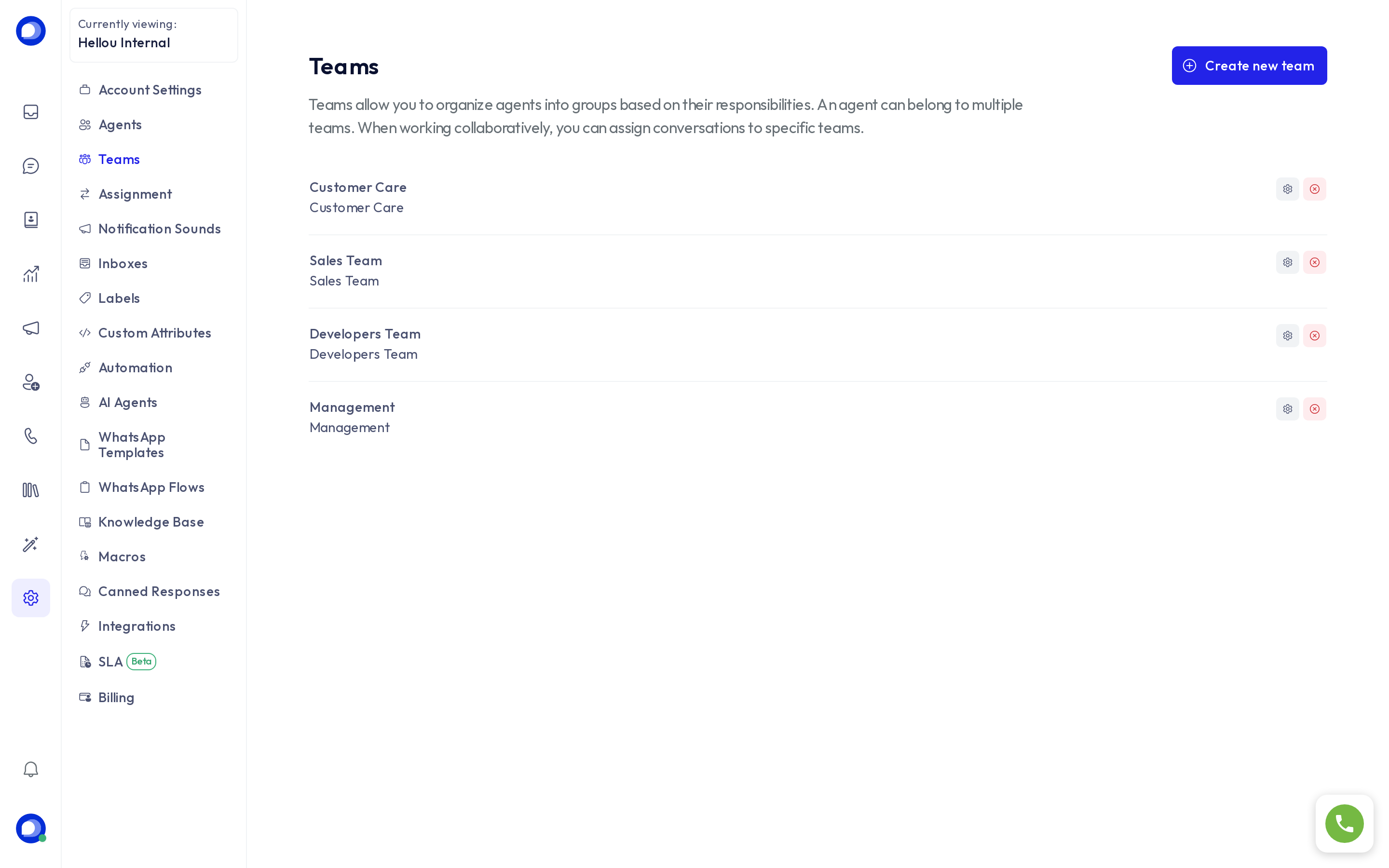
What a team is for
- Assign a conversation to a team instead of a person. HellouOne then picks a team member according to the Assignment rules.
- Route an AI agent's handovers: each handover area of an AI agent can point at a team, so "I want to talk about my invoice" reaches Billing.
- Automation rules that assign by team, and conversation filters by team.
- Visibility: with the "Their own and their teams'" level in Assignment, an agent sees conversations assigned to their teams even when they are not theirs.
Create a team
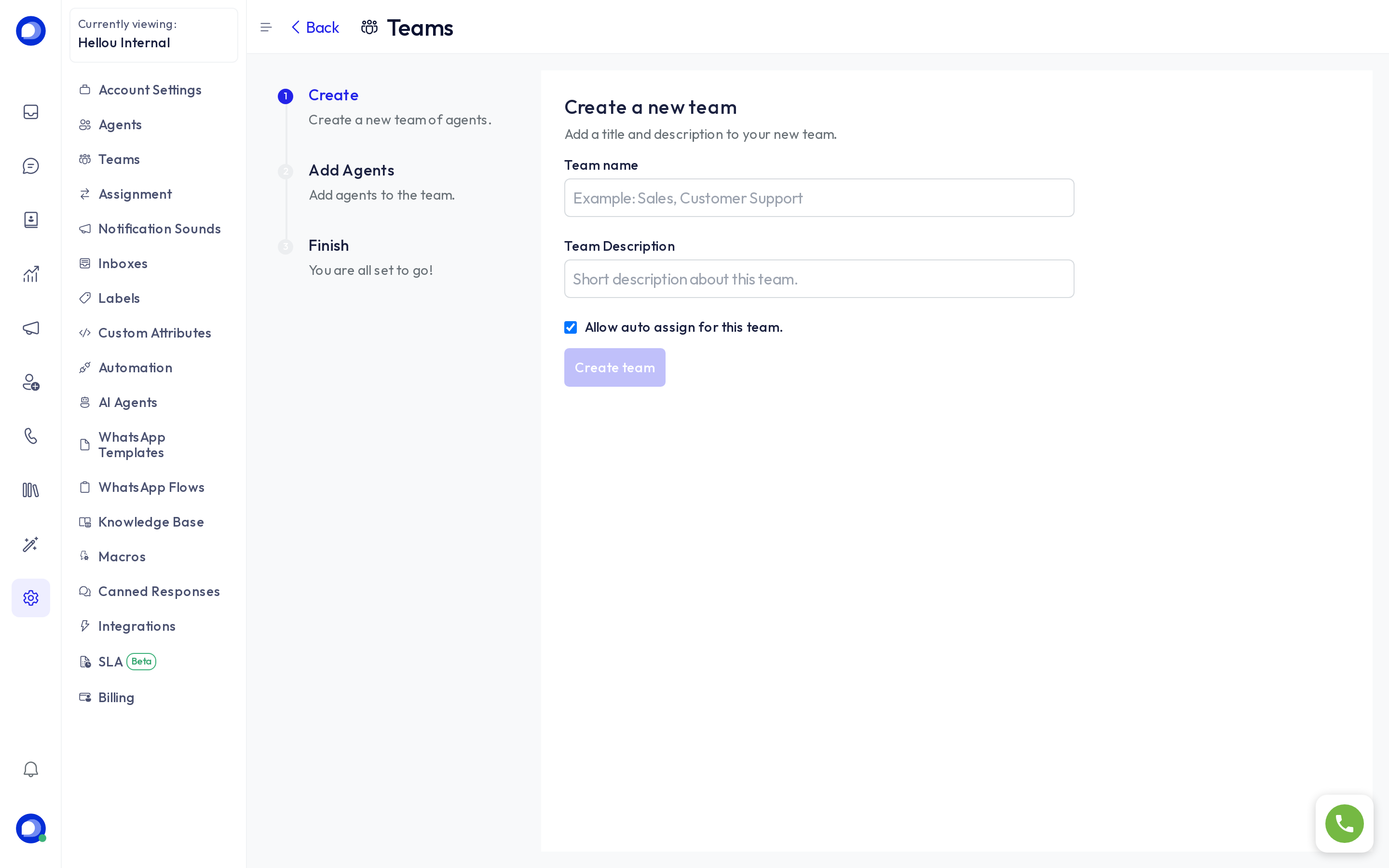
- Press Create new team.
- Enter the Team name and a short Description.
- Decide whether to tick Allow auto assign for this team. With it, a conversation assigned to the team is distributed automatically among its members; without it, it stays with the team until someone picks it up.
- On the next step, tick the agents who belong to the team and press Add agents.
Who gets a team conversation first
By default members take turns. Under Settings → Assignment → Priority order → Teams you can give each member a priority: priority 1 is offered first, and the others step in when that person is not online. The Inbox + team tab lets the same team have a different lead on each inbox.
Edit or delete
The pencil changes the name, description and members. Deleting a team removes the team from its conversations, which keep their agent, history and labels.