An agent is every person on your team who signs in to HellouOne. Settings → Agents lists everyone in the account, their role and whether they have accepted the invitation.
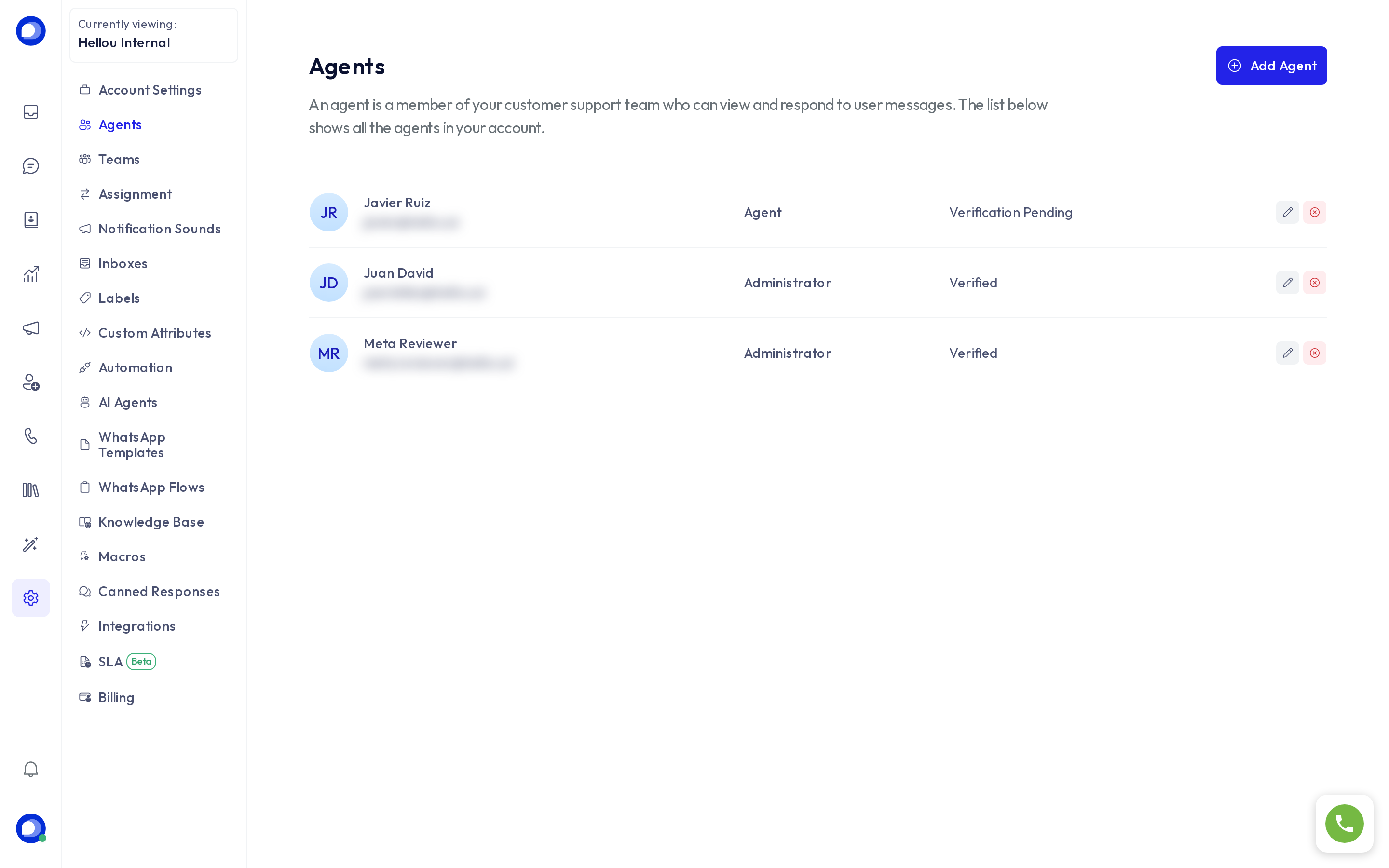
The two roles
- Agent: handles conversations. Sees only what the Assignment rules allow, can use canned responses and macros, and changes their own sounds and availability. Cannot open Settings.
- Administrator: all of the above plus full Settings: inboxes, AI agents, automations, billing and LIA, the admin assistant. Administrators see every conversation in the account.
Automatic assignment only distributes conversations among agents. An administrator is never auto-assigned a conversation, even as an inbox member; they can still pick one up by hand.
Invite someone
- Press Add agent.
- Enter their name, pick the Agent type and their Email address.
- Press Add agent. They receive an email to set their password.
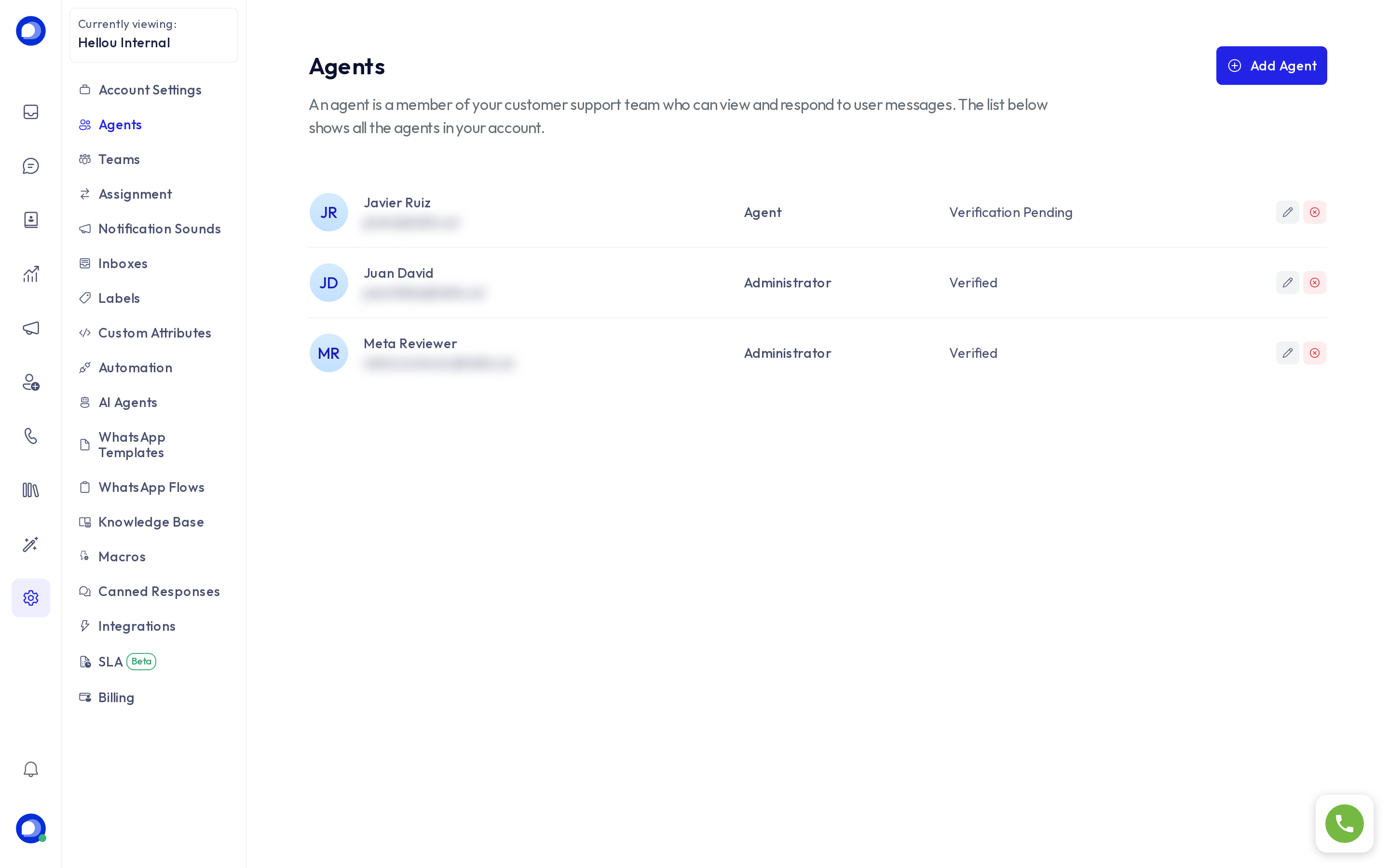
Until they sign in for the first time, their row reads Verification pending. If the email never arrived, ask them to check spam or use Reset password from the edit pencil to send a new link.
Every plan includes a number of agents. When you reach the limit the button says so, and you can upgrade under Billing.
Edit or remove someone
- The pencil opens the edit form: name, role and Availability (online, busy or offline), handy when an agent forgot to change it before leaving.
- The red icon removes the person from this account. Their assigned conversations become unassigned and return to automatic distribution. Their message history is kept.
After inviting
A new agent receives no conversations until they are a member of at least one inbox (Settings → Inboxes → Collaborators). If you work with Teams, add them there too.