Settings → Account settings holds the basic facts about your HellouOne account. Only administrators can change them.
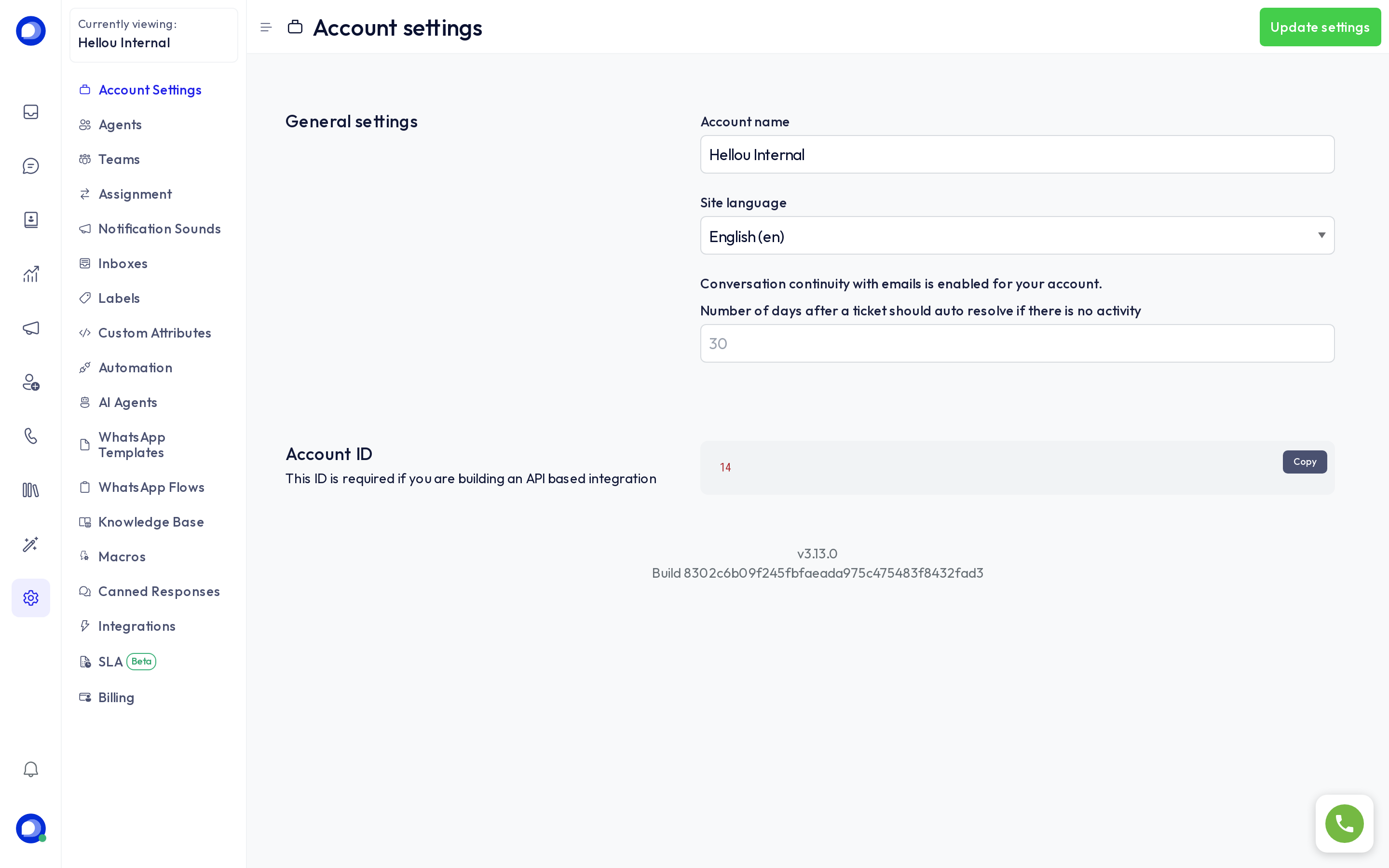
General settings
- Account name: how the account appears in the dashboard and in the emails HellouOne sends your team. Someone who belongs to several accounts sees this name in the account switcher.
- Site language: the dashboard language for everyone in the account. It also sets the language of the automatic notes HellouOne writes into conversations and of the emails sent to administrators. AI agents write their notes to your team in this language; what they say to customers follows the customer's language.
- Number of days after a ticket is automatically resolved if there is no activity: a conversation with no messages for that many days is marked resolved. Leave it empty to never resolve automatically.
- Email conversation continuity: when enabled, a customer can carry on a conversation by replying to the email they received, and the reply lands in the same conversation.
Press Update settings to save.
Account ID
The number under Account ID identifies your account in the HellouOne API. You need it when you connect an integration of your own, or when our support team asks for it. Copy puts it on your clipboard.
What is not here
- Agents, teams and assignment rules each have their own Settings page.
- Your plan, payment method and invoices live under Billing.
- Your own name, password and personal sounds live in your profile, not in the account.