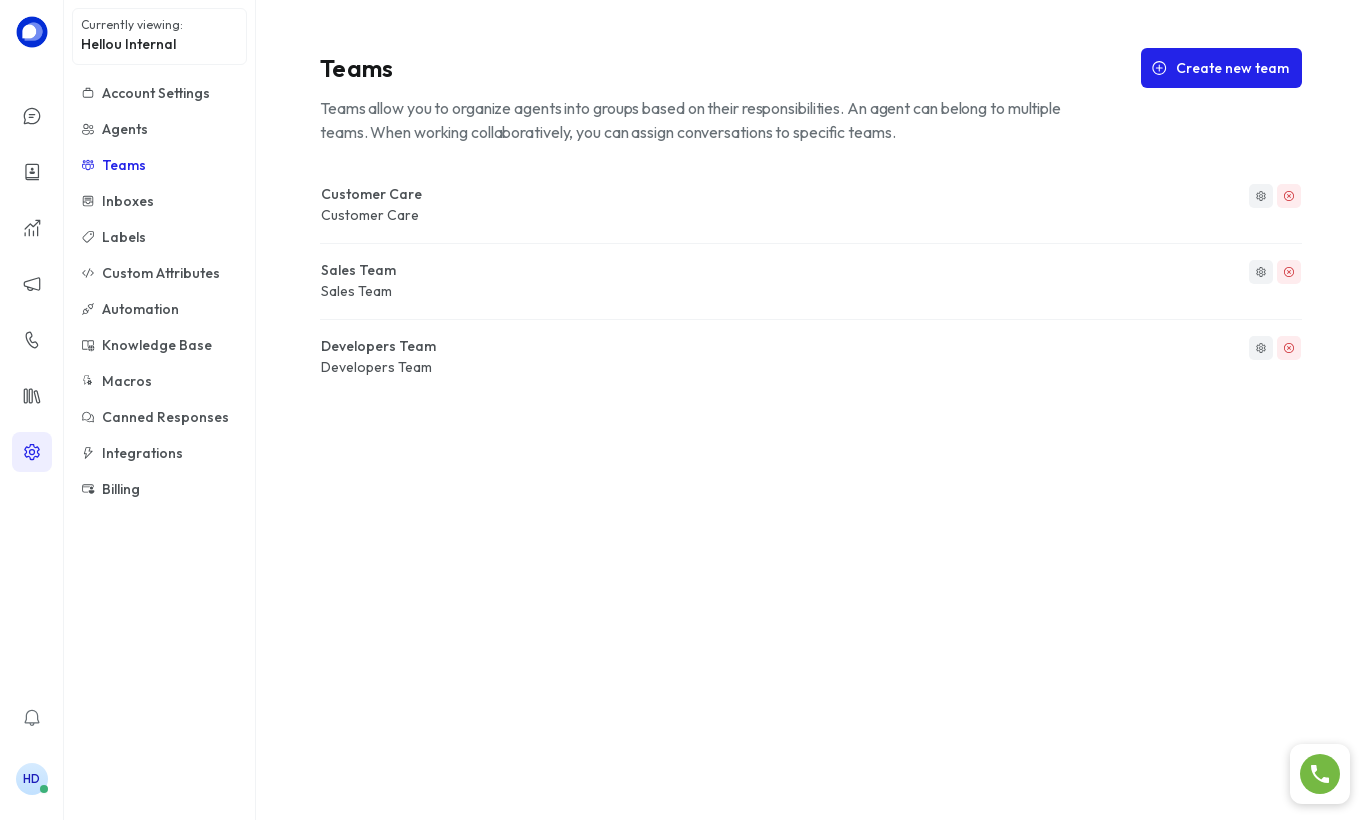
Teams group agents by area (sales, support, development…). An agent can belong to several teams, and conversations can be assigned to a whole team instead of one person.
Create a team
- Go to Settings → Teams and click Create new team.
- Enter the name and description. Enable Allow auto assign if you want conversations assigned to the team to be distributed automatically among its members.
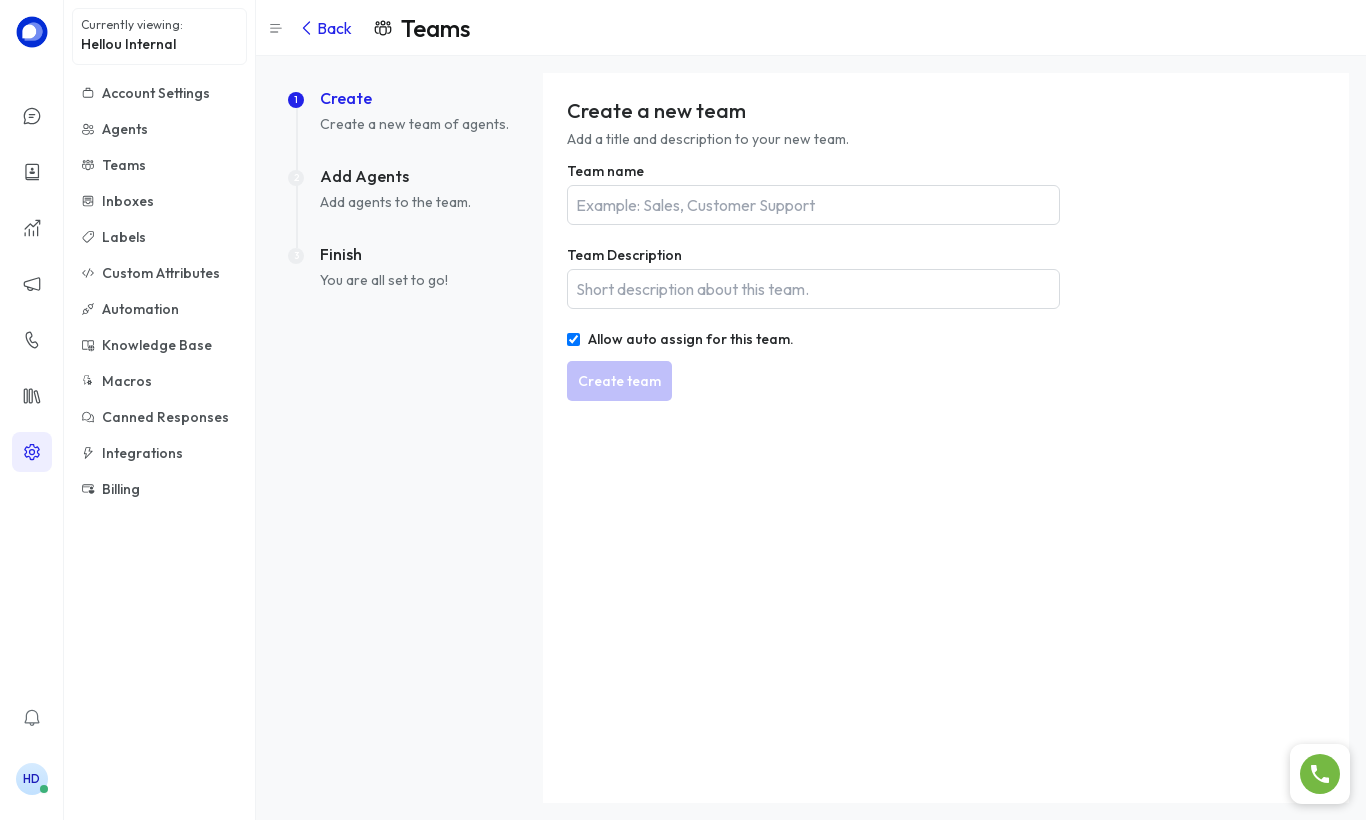
- In the next step select the agents that belong to the team and click Finish.
What they're for
- Assigning a conversation to Sales from the conversation's right panel.
- Letting an automation or a bot route conversations to the right team by topic.
- Filtering the conversation list by team.