1. Create the account
- Go to chat.hellou.ai/app/auth/signup.
- Enter your company name, your name, email and password.
- Confirm your email from the link we send you. You can now sign in to the dashboard.
2. Invite your team
Go to Settings → Agents. Here you see everyone in your account, their role and whether they've accepted the invitation.
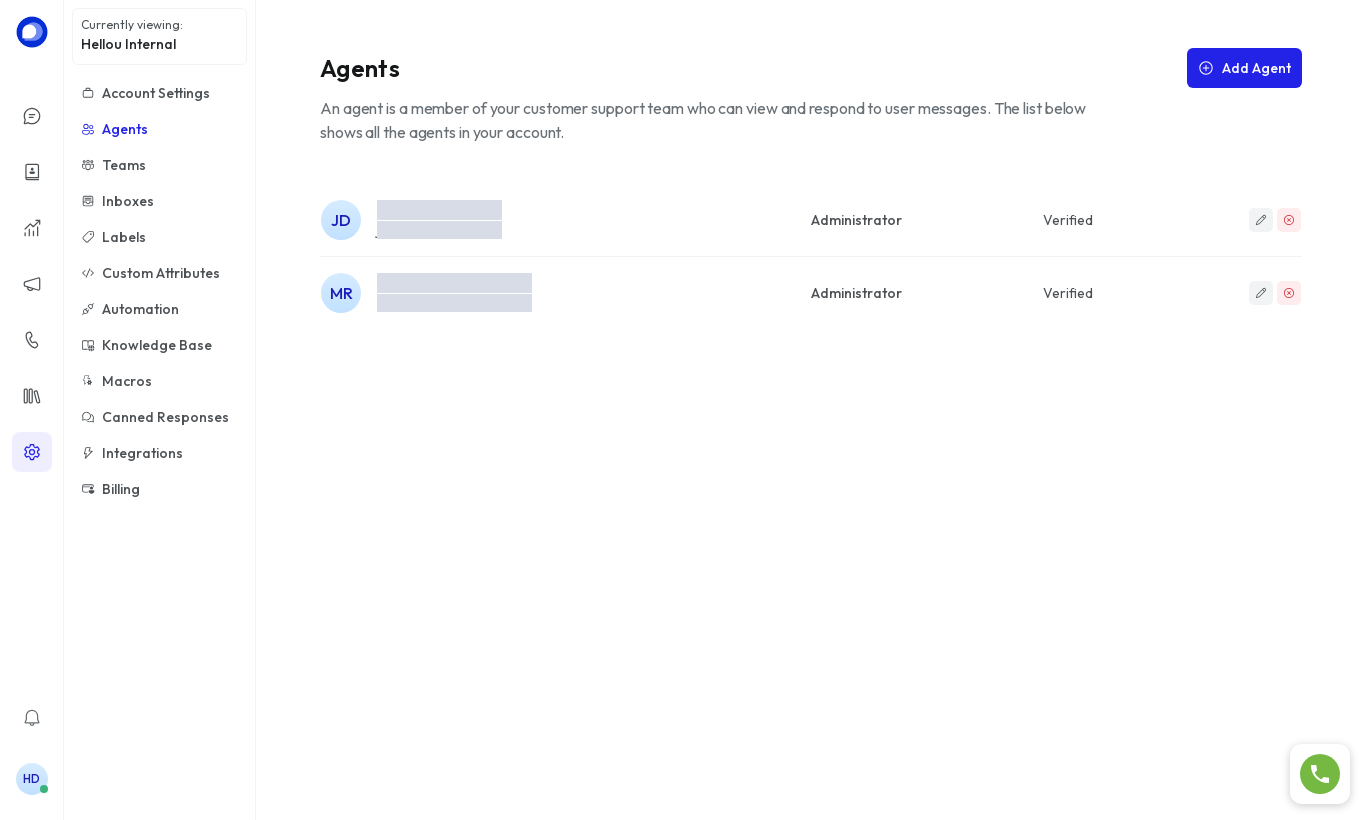
- Click Add Agent.
- Enter the name, pick the role and enter the email.
- Click Add Agent. The person receives an email to set their password.
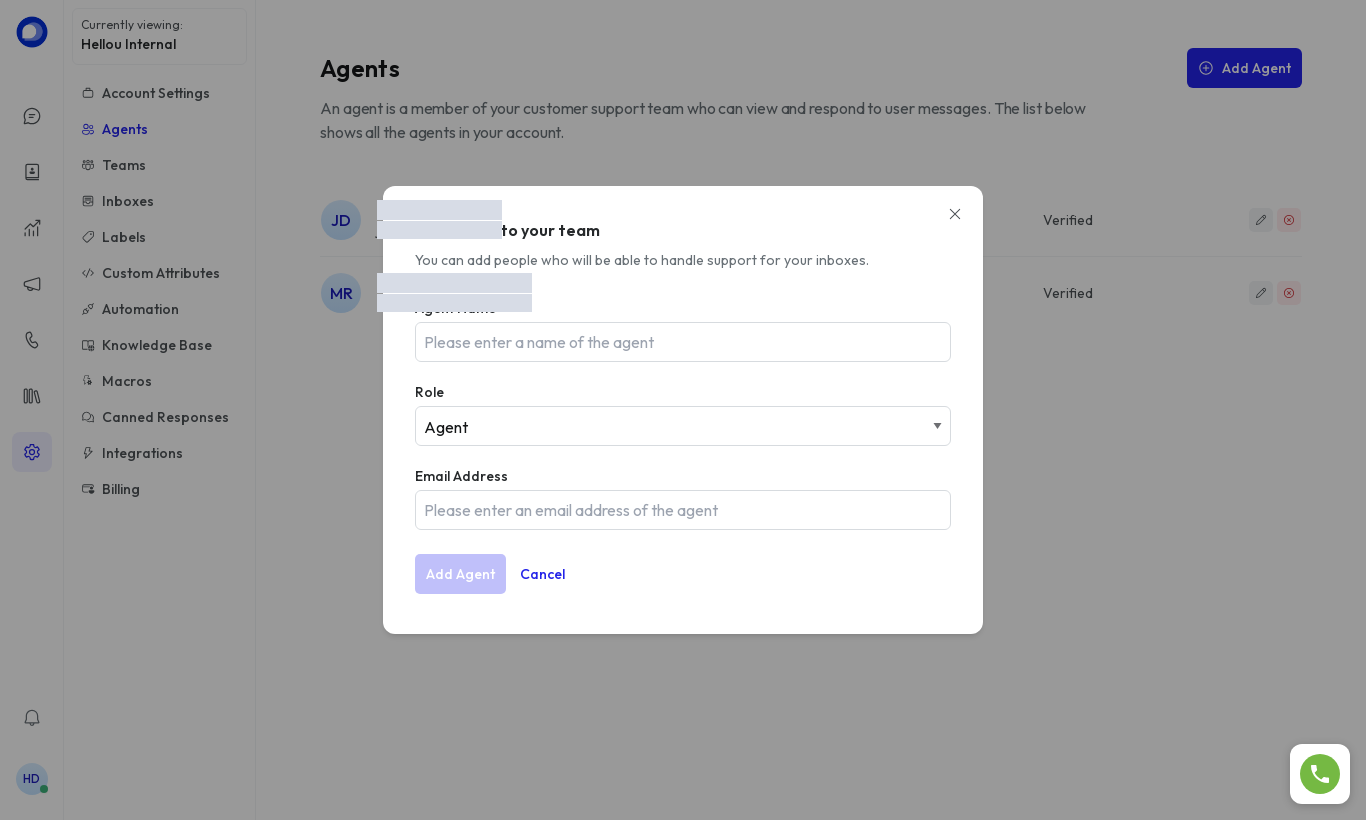
Roles
| Role | What they can do |
|---|---|
| Administrator | Configure inboxes, agents, teams, automations and bots. Sees every conversation. |
| Agent | Handle conversations assigned to them or unassigned in the inboxes they belong to. |
To remove someone's access, use the red icon to the right of their name in the agents list.