Every channel (WhatsApp, Messenger, Instagram, email, web chat…) is connected as an inbox. All your inboxes are listed under Settings → Inboxes.
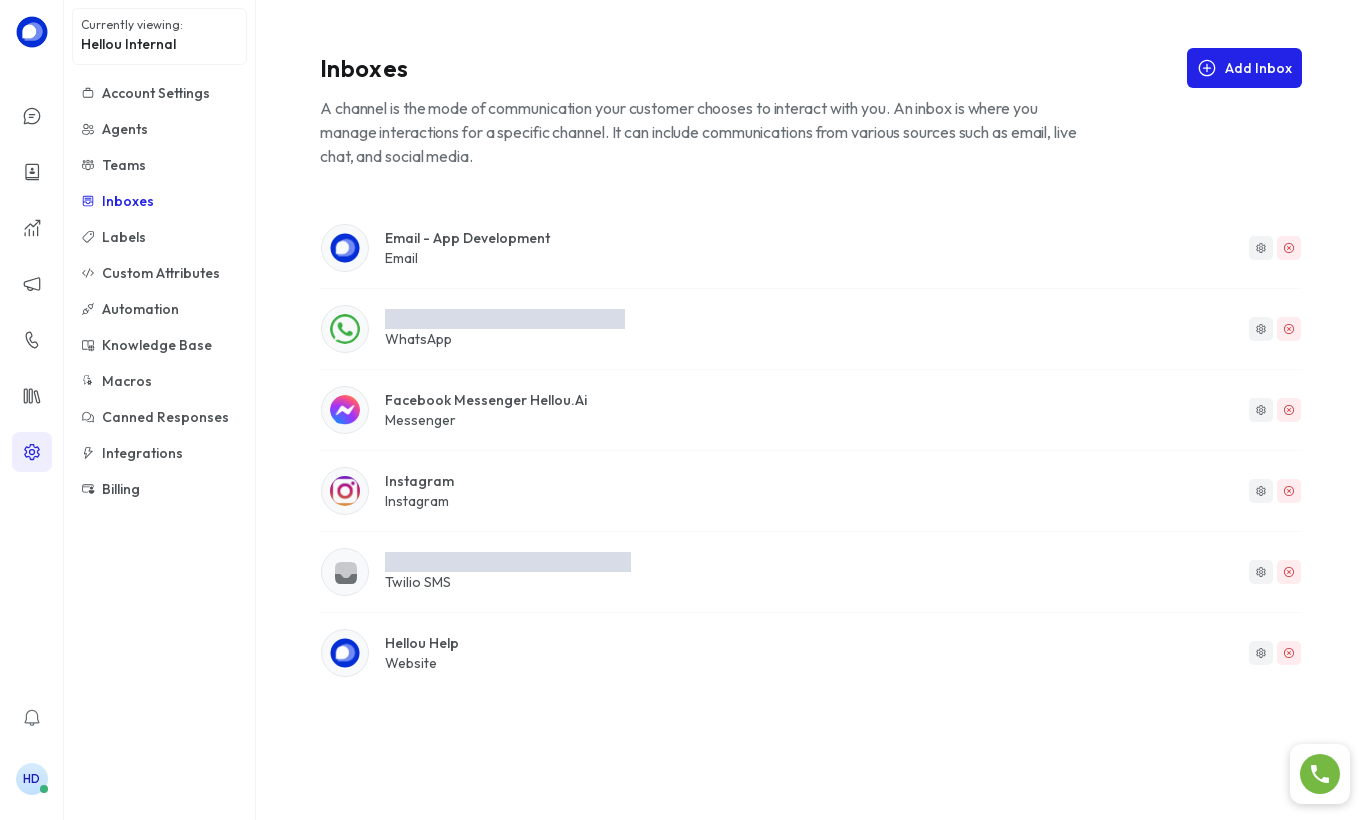
Steps
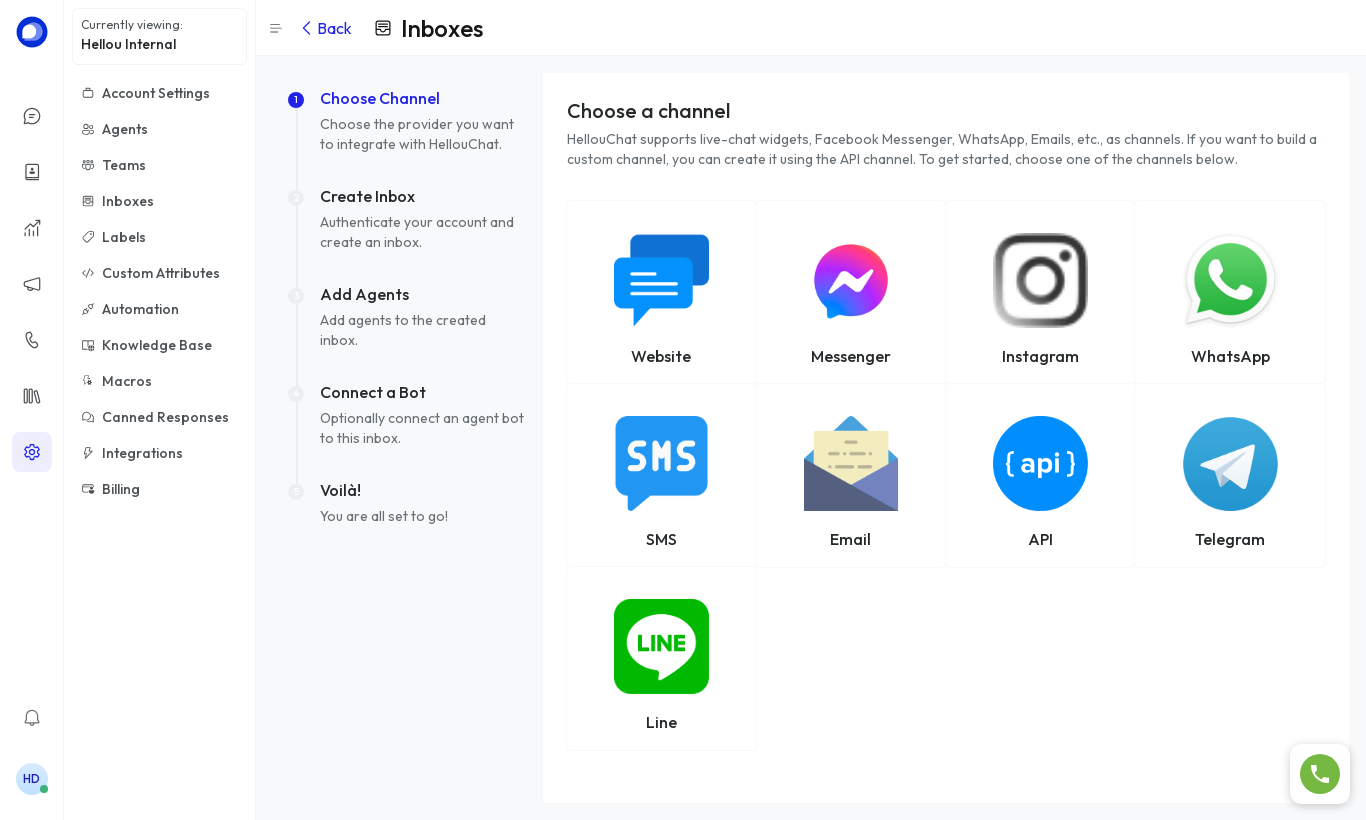
- Click Add Inbox and choose WhatsApp.
- Click Continue with Facebook and sign in with the account that manages your WhatsApp Business. Select (or create) the number: the inbox and webhooks are configured automatically.
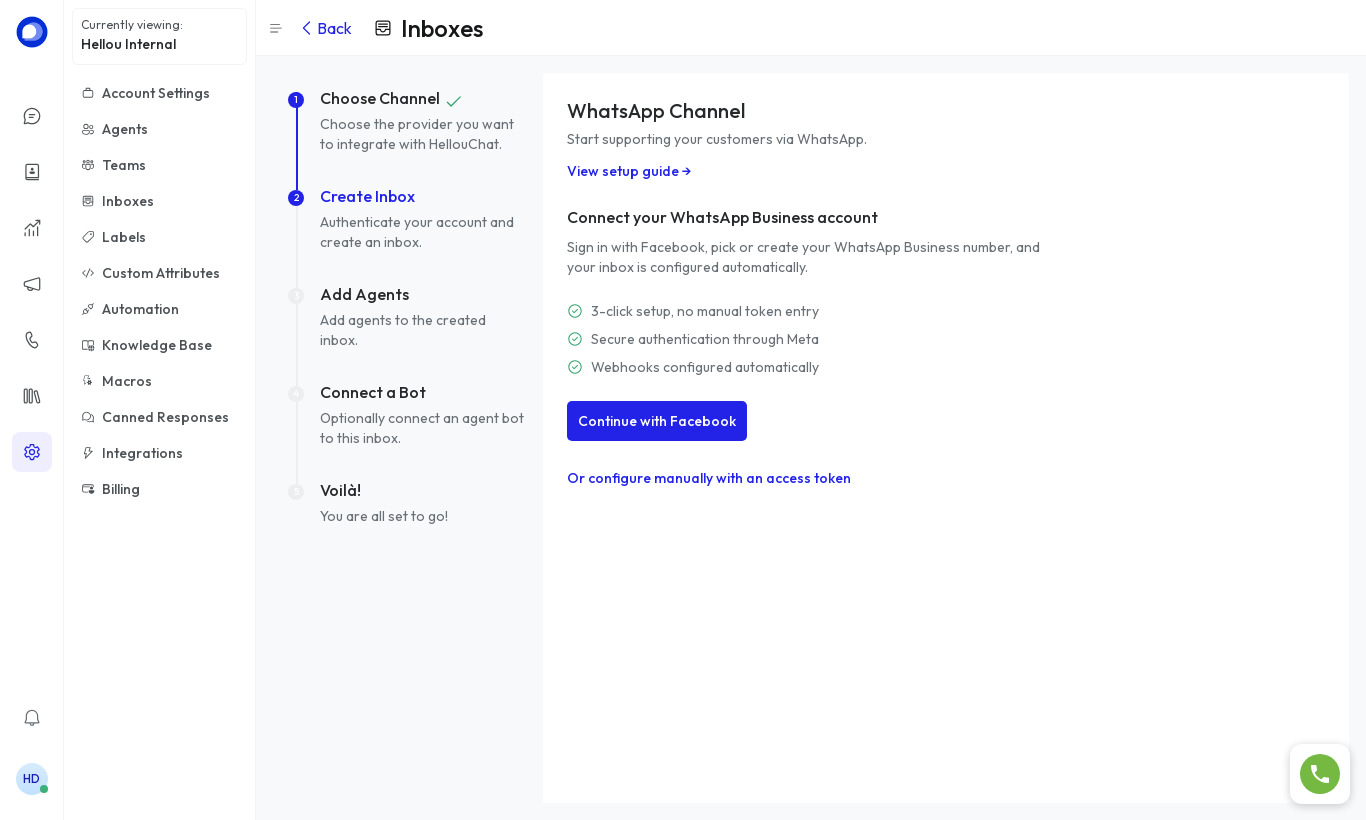
- If you'd rather do it manually, use Or configure manually with an access token and enter the phone number, Phone Number ID, Business Account ID and Meta access token.
- Add the agents who will handle this inbox and click Finish.
After connecting
Under Settings → Inboxes → (your inbox) you can change the name, avatar, automatic greeting, CSAT survey and, in the Collaborators tab, the agents and auto-assignment.
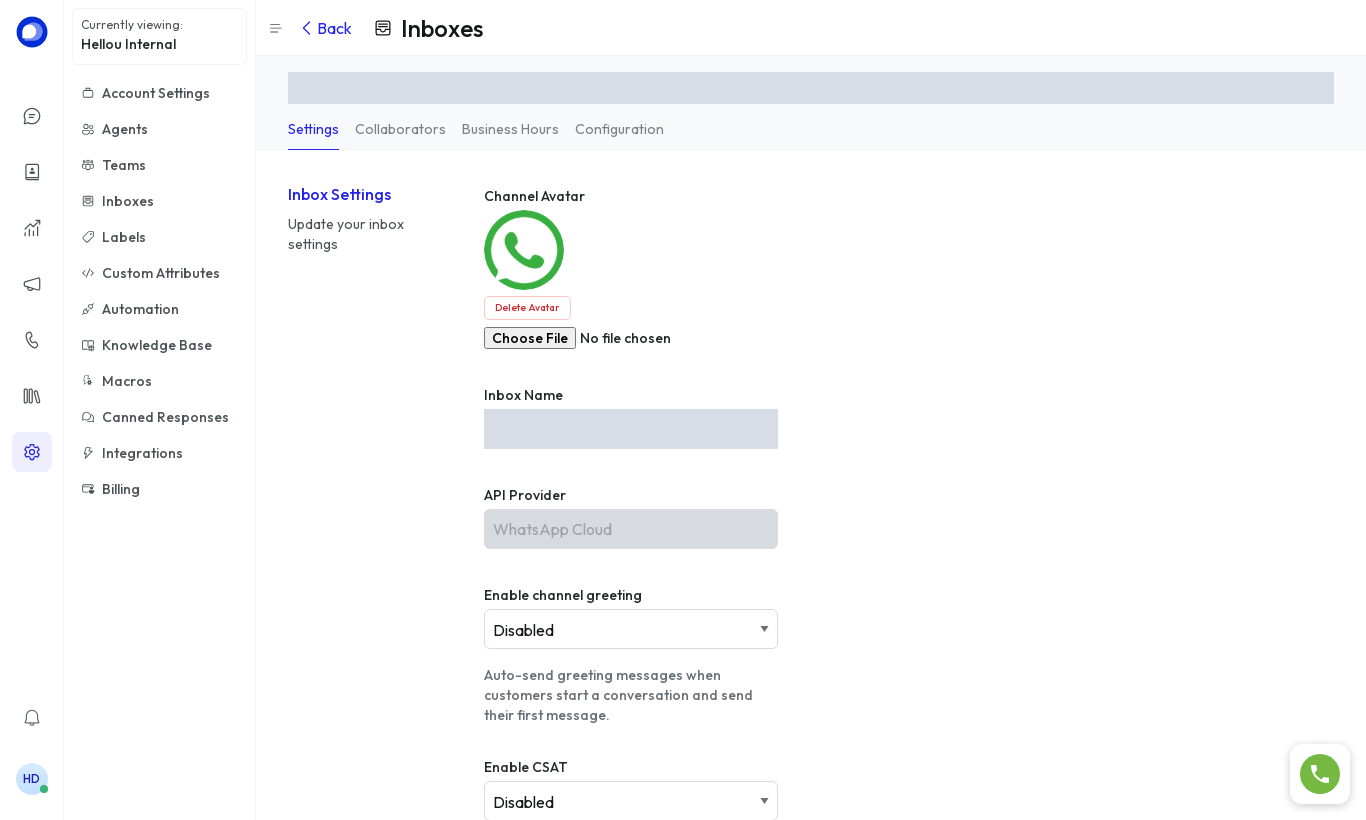
The Configuration tab shows the webhook verification token and the API key. Those are credentials — don't share them.