Facebook Messenger
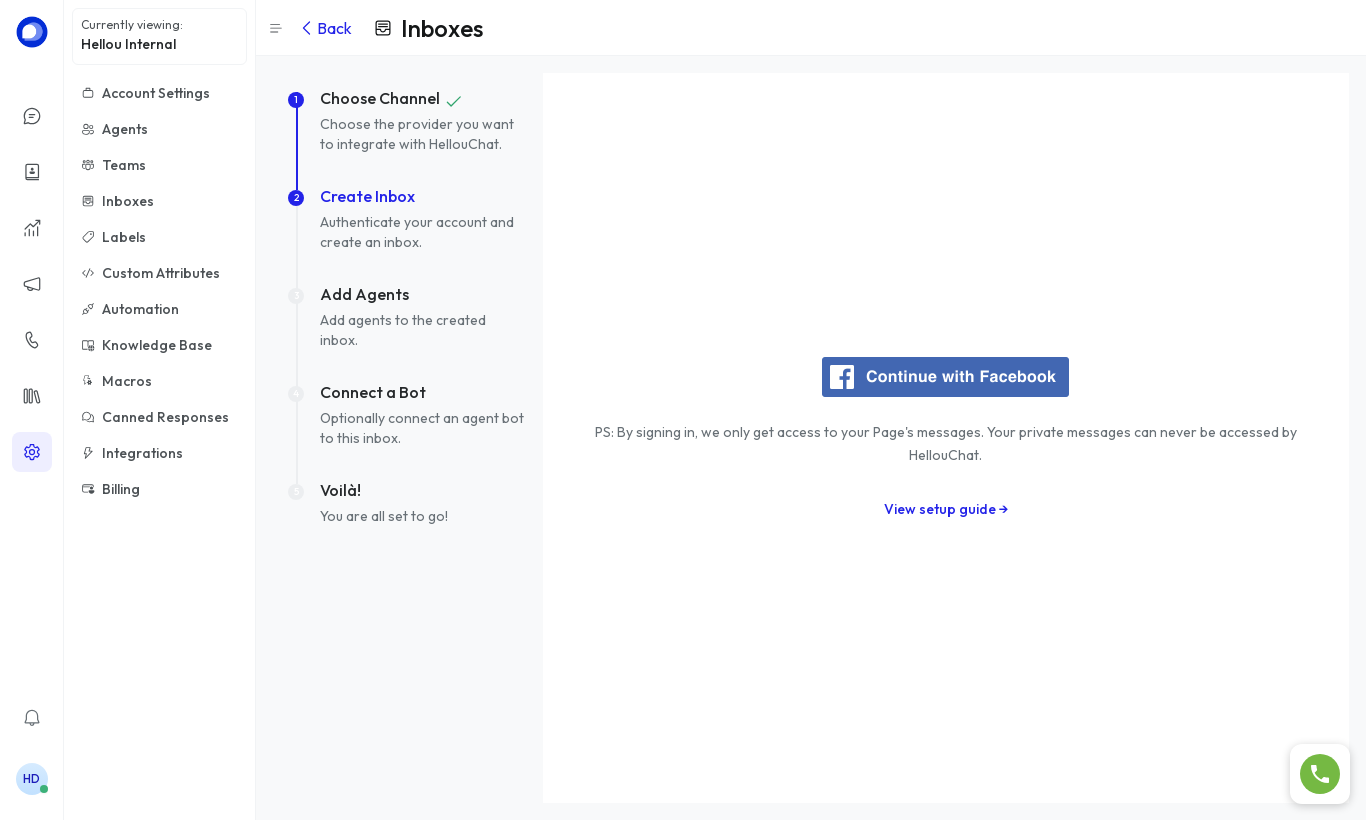
- Go to Settings → Inboxes → Add Inbox and choose Messenger.
- Click the Facebook button and sign in with the account that manages your page.
- Select the page and accept the permissions.
- Add agents and click Finish.
- Go to Settings → Inboxes → Add Inbox and choose Instagram.
- Sign in with the Facebook account linked to your professional Instagram profile.
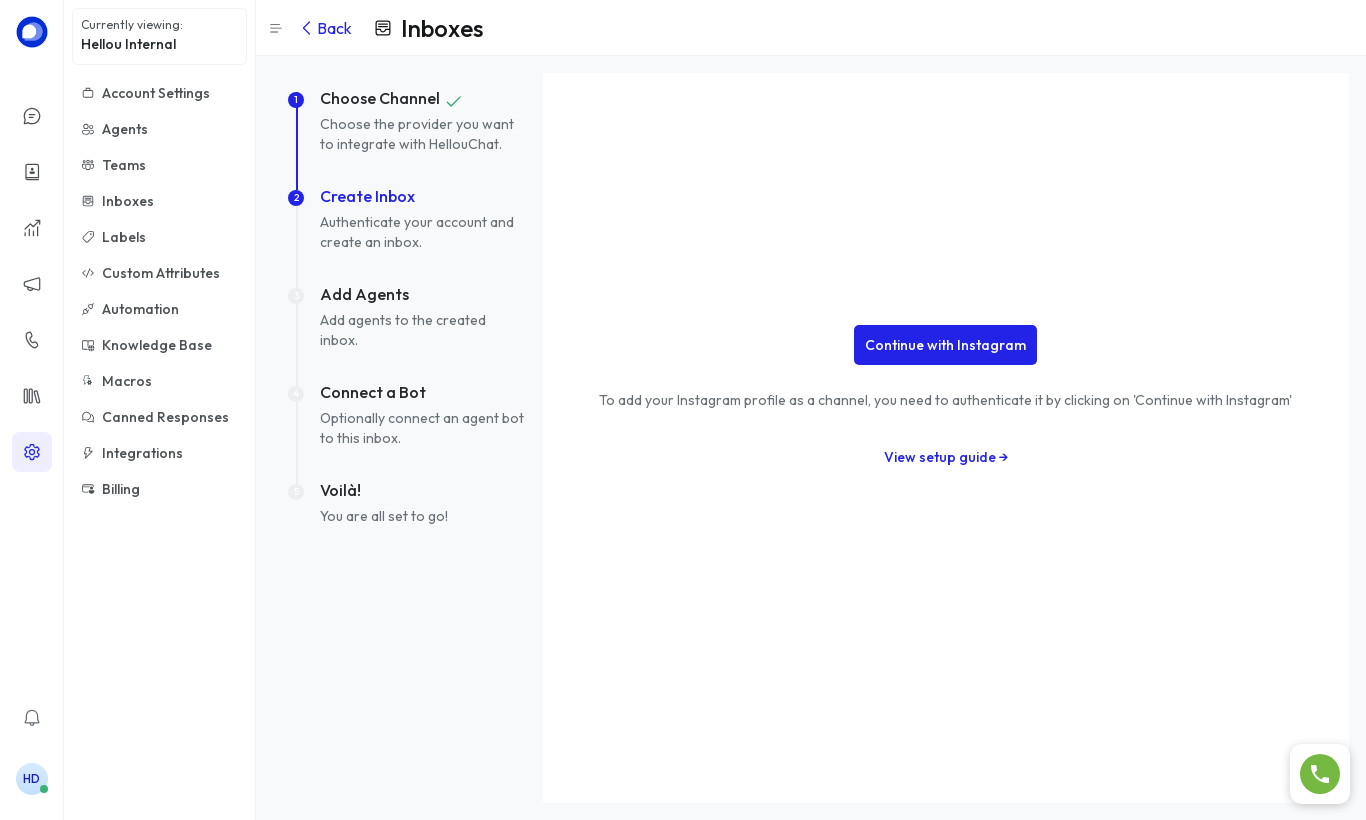
- Select the profile, add agents and click Finish.
Instagram requires a professional (Business or Creator) account linked to a Facebook page. If your profile doesn't show up, check that link in the Instagram app.