A bot replies automatically in an inbox and hands the conversation to a person when needed. In HellouOne bots are connected as webhooks: you (or Hellou) run the bot's brain outside the platform and HellouOne sends it every message.
1. Create the bot
- Go to Settings → Bots and click Configure new bot.
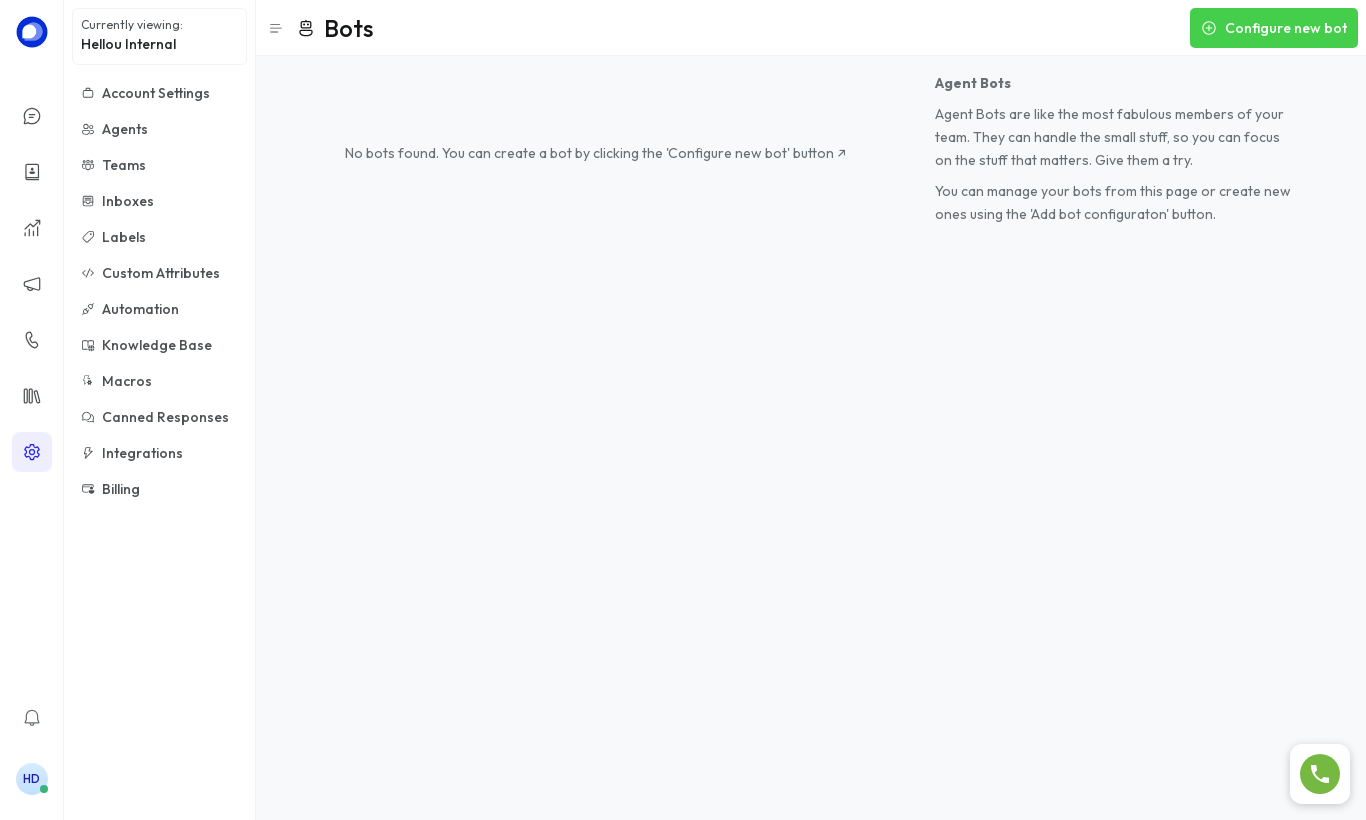
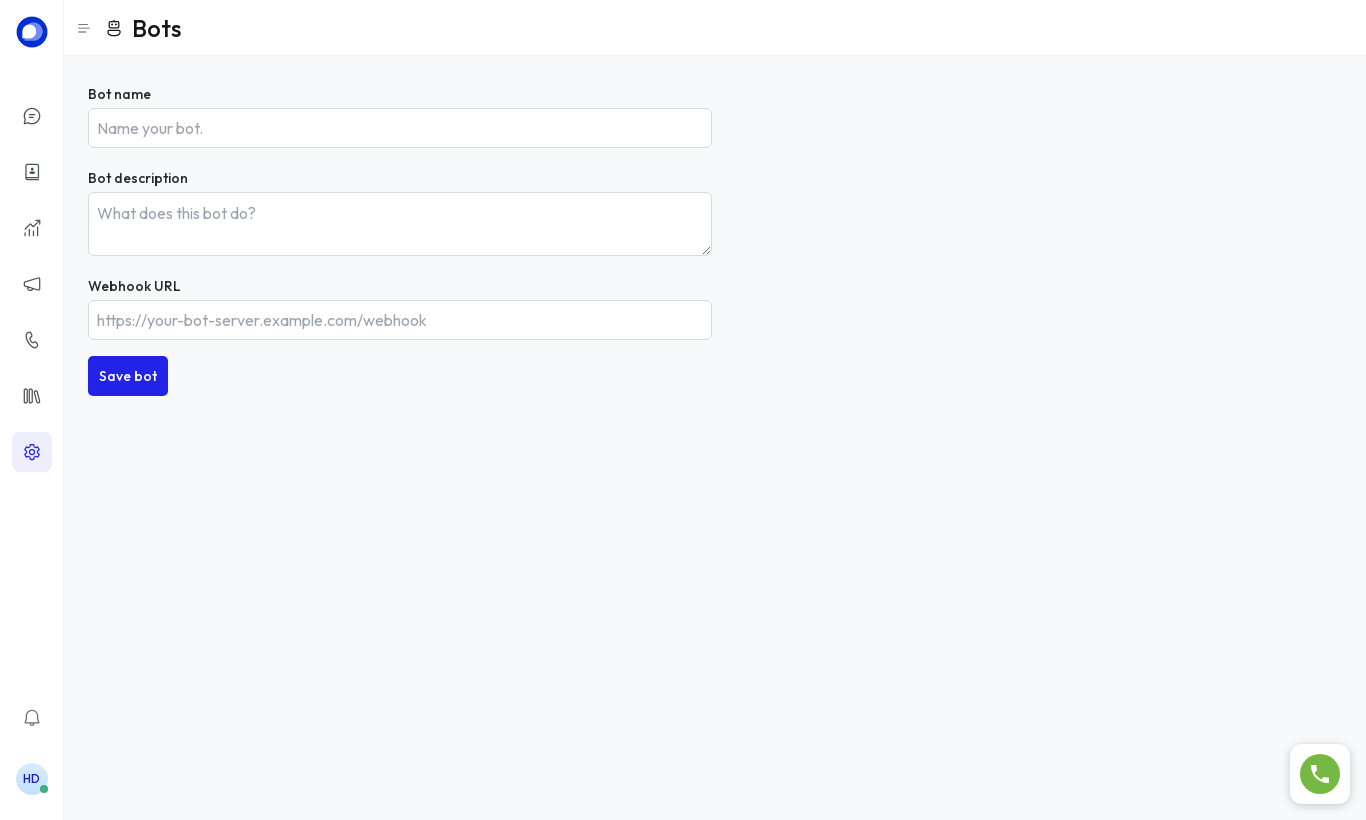
- Choose Webhook, enter the name, description and the Webhook URL HellouOne will post messages to.
- Click Save bot.
- On the bot's page you'll see the access token (so the bot can reply through the API) and the signing secret (to verify messages really come from HellouOne). Copy them into your orchestrator.
2. Assign it to an inbox
Settings → Inboxes → (your inbox) → Collaborators: under Bot select the bot and click Update.
How it behaves
- While the conversation is Pending, the bot answers.
- When the bot decides to escalate, it leaves the conversation Open, assigns it to an agent or team and adds a private note with a summary. From then on a person replies.
Want an AI assistant trained on your documents? Write to support@hellou.ai and we'll set it up for you.