Canned responses are message templates any agent can insert with a shortcut.
Create one
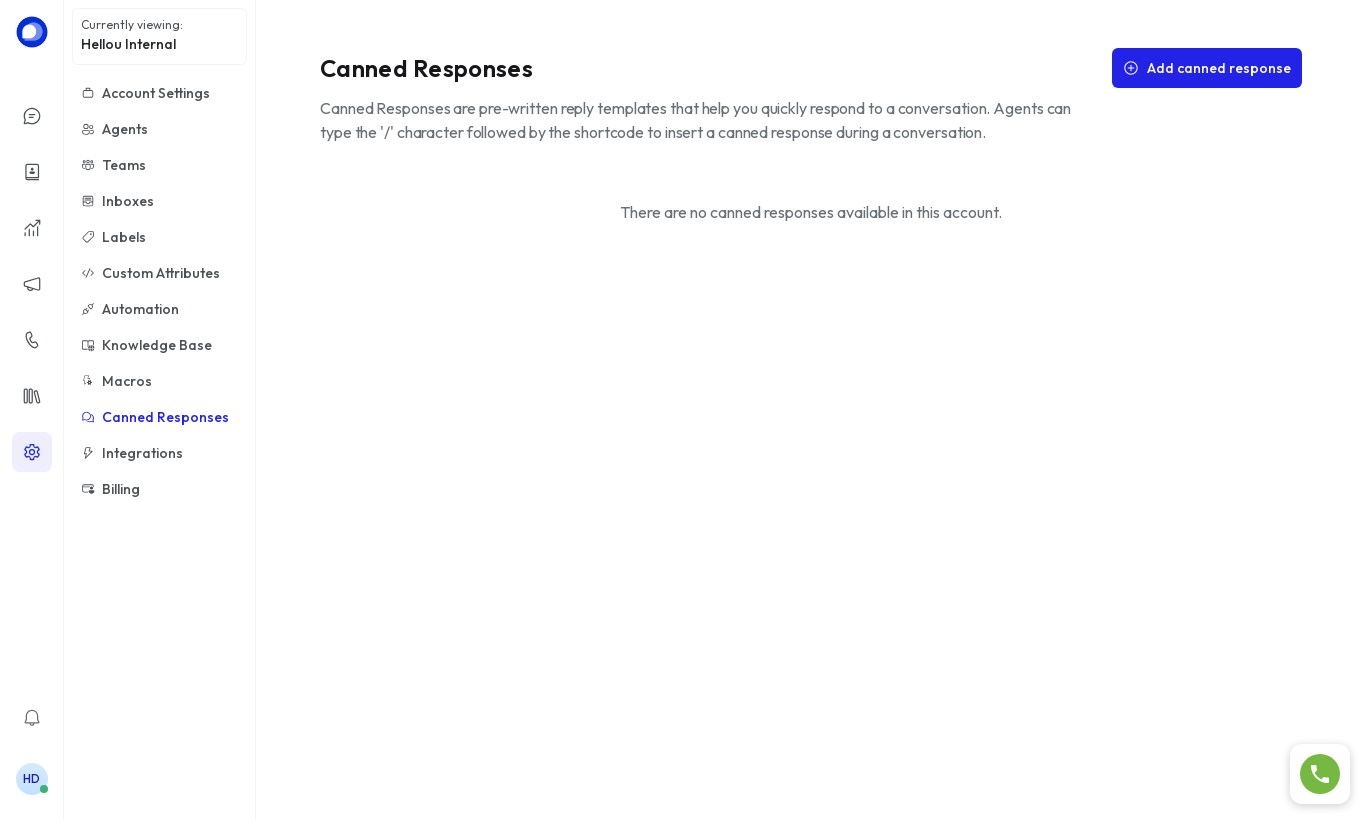
- Go to Settings → Canned Responses and click Add canned response.
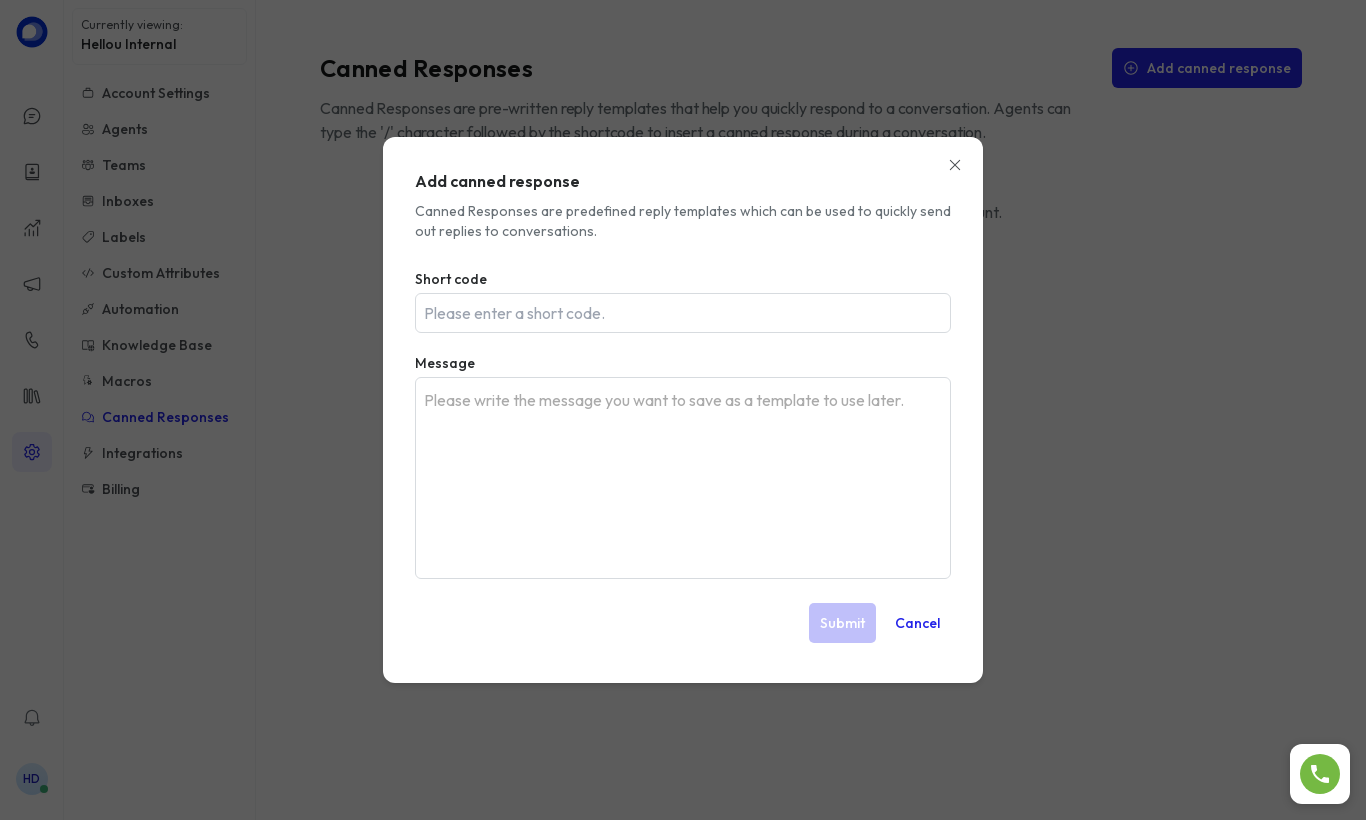
- Enter the Short code (the shortcut, e.g.
greeting) and the Message. - Click Submit.
Use it in a conversation
In the reply editor type / followed by the shortcut (/greeting). A picker appears; when you select it, the text is inserted and you can edit it before sending.
Ideas: opening greeting, business hours, request for details, sign-off.