Every conversation from your inboxes lands in the Conversations screen (first icon in the side menu). When you open one, the right panel shows the contact's details and the actions.
Assign
- Assignee: pick the agent who will handle the conversation.
- Team: assign it to a team; if the team has auto assign, it is distributed among its members.
Label
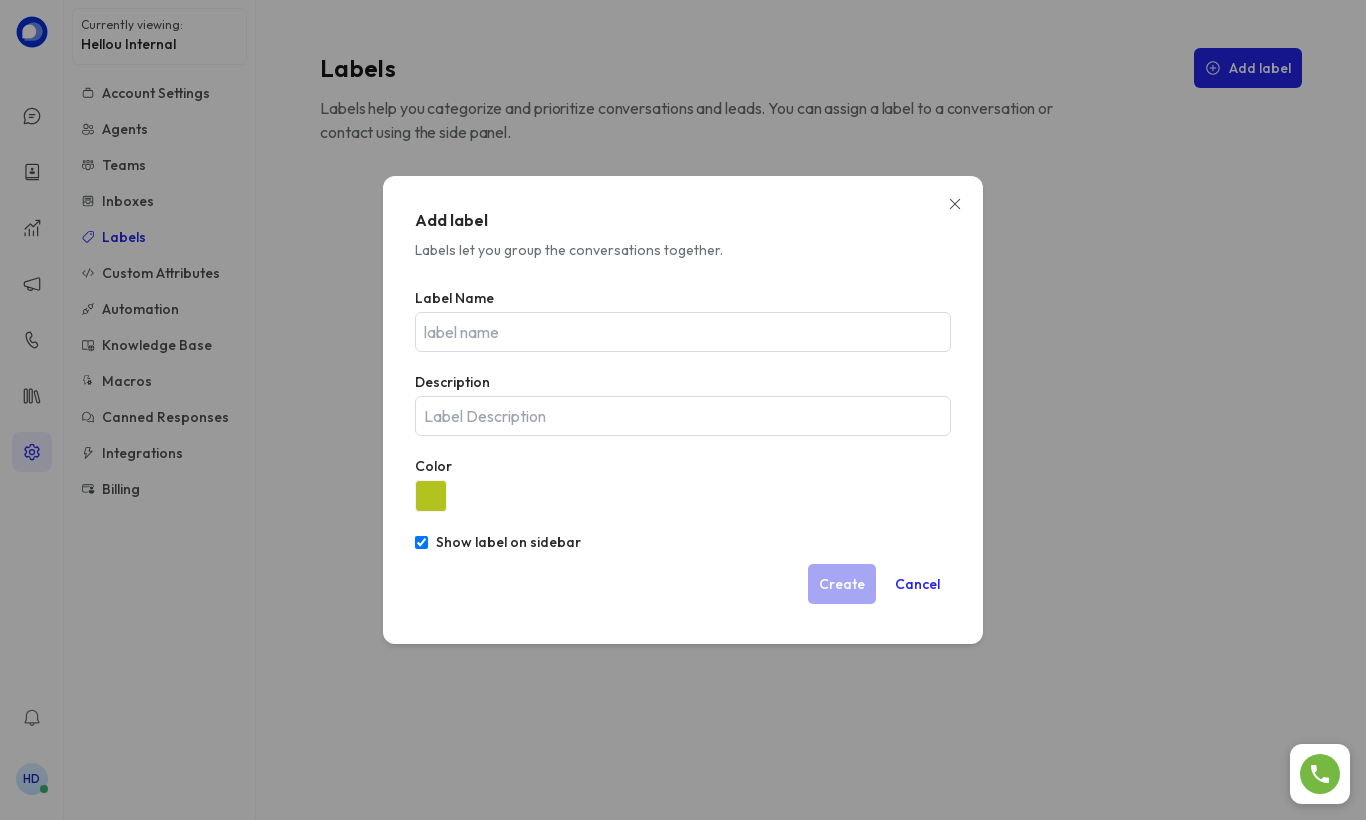
Add one or more labels from the right panel to classify (sales, support, complaint…). Labels are created under Settings → Labels.
Reply
- Reply: the customer receives the message on their channel.
- Private Note (tab next to Reply): internal note, only your team sees it.
- Type
/to insert a canned response.
Resolve
Click Resolve when the case is closed. If the customer writes again, the conversation reopens automatically and goes back to Open. You can also Snooze it until a date or until there's a reply.